The world's best PowerPoint to HTML5 converter for publishing presentations to web and mobile formats.

Convert PowerPoint to HTML and MP4 Video

MP4

PowerPoint to HTML5

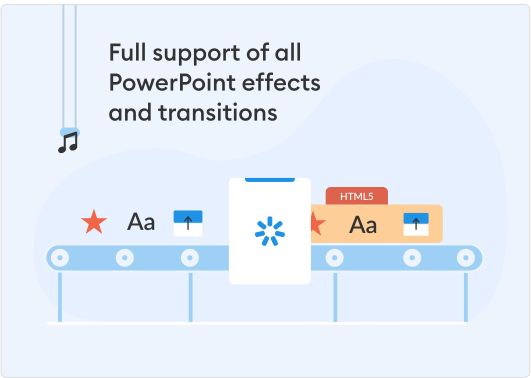
You can flawlessly convert your PowerPoint presentations to an HTML5 format. Thanks to best-in-class HyperPoint technology, all effects and transitions will be preserved across any device.

PDF

PowerPoint to MP4

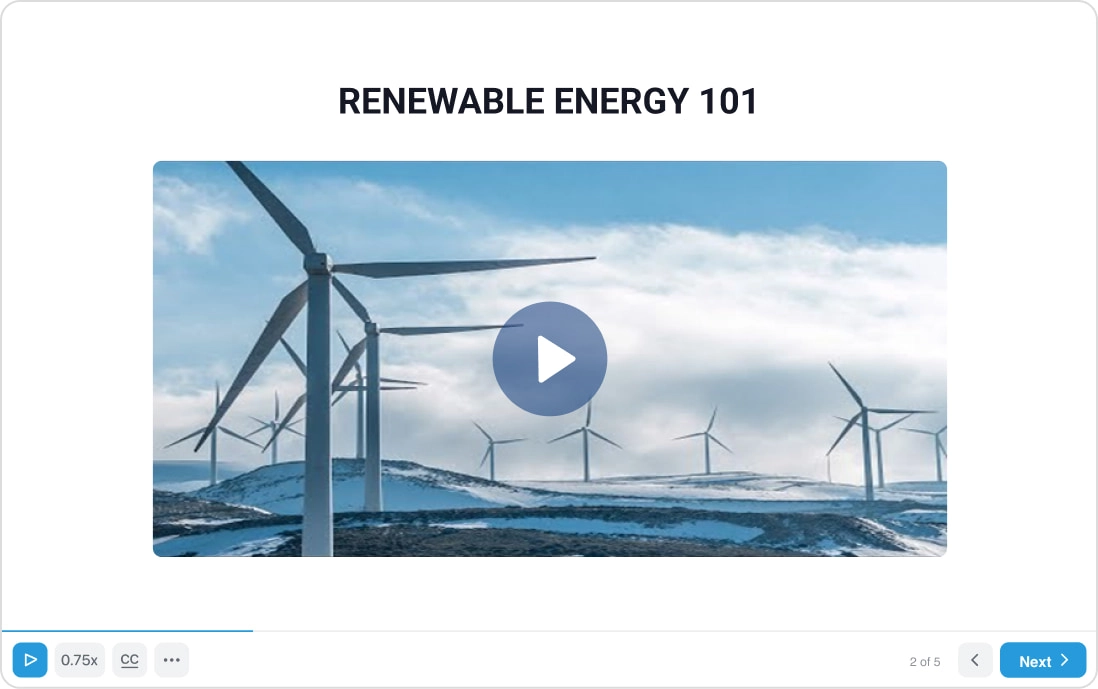
Convert your slides to an MP4 video to upload it to YouTube or Vimeo. PowerPoint effects will remain intact in your video, as well as audio or video narrations you’ve added to your slides.

Integrated within PowerPoint

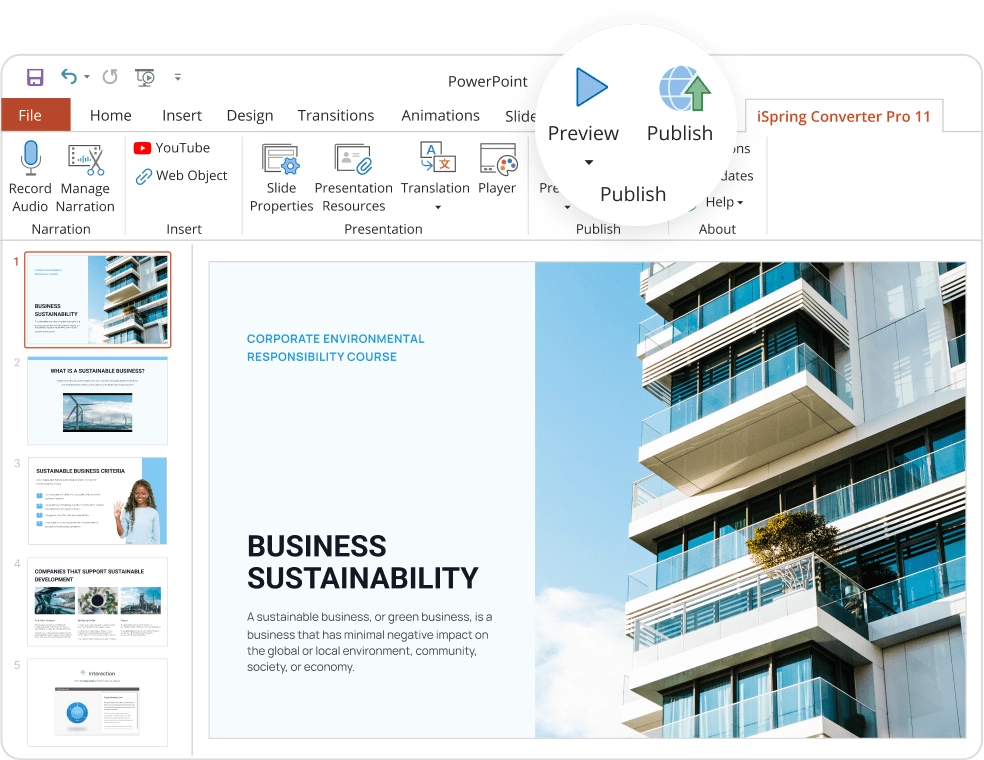
iSpring Converter Pro is shipped as a PowerPoint add-in. The iSpring installer adds a tab to your PowerPoint ribbon, where you can convert your presentations to HTML5.

Preserve all original PowerPoint functions

Animations and Triggers

iSpring Converter Pro perfectly converts 167 animations available in PowerPoint 2007/2010/2013/2016. iSpring keeps all standard animation effects, as well as effect combinations, triggers, and timings.

List of supported animations

Transition Effects

iSpring Converter Pro supports all 48 transition effects that are available in PowerPoint 2007, 2010, 2013, and 2016. After conversion, all the transitions that you have fine-tuned in PowerPoint will work!

List of supported transitions

Video and Audio

Any video and audio format that can play on your system will be converted with iSpring. You can also fine-tune the size and quality of your video and audio to optimize download or streaming speed.

Tables and Shapes

iSpring Converter Pro precisely retains formatting and positioning for tables, charts, and shapes, as well as their geometry and sharpness, maintaining their vector representation in online formats.


Image Quality

iSpring cannot improve the quality of your images, but it definitely will not decrease it. All images that you insert in your presentation will stay crystal clear after conversion.


Text Formatting

All text objects will keep their size, position, style, font, color, bullets, and other formatting in your online presentation after processing with iSpring.


RTL Languages

Hebrew, Arabic, and other RTL presentation developers can rely on iSpring technologies. AccuPoint and HyperPoint support a huge variety of languages.


Hyperlinks and Buttons

Hyperlinks and buttons add a lot of interactivity to your presentations. Feel free to use them: iSpring will transfer all their functionality to HTML5.


SmartArt Objects

Complex SmartArt objects on your slides will keep their appearance and clarity on any device after being converted with iSpring to online formats.


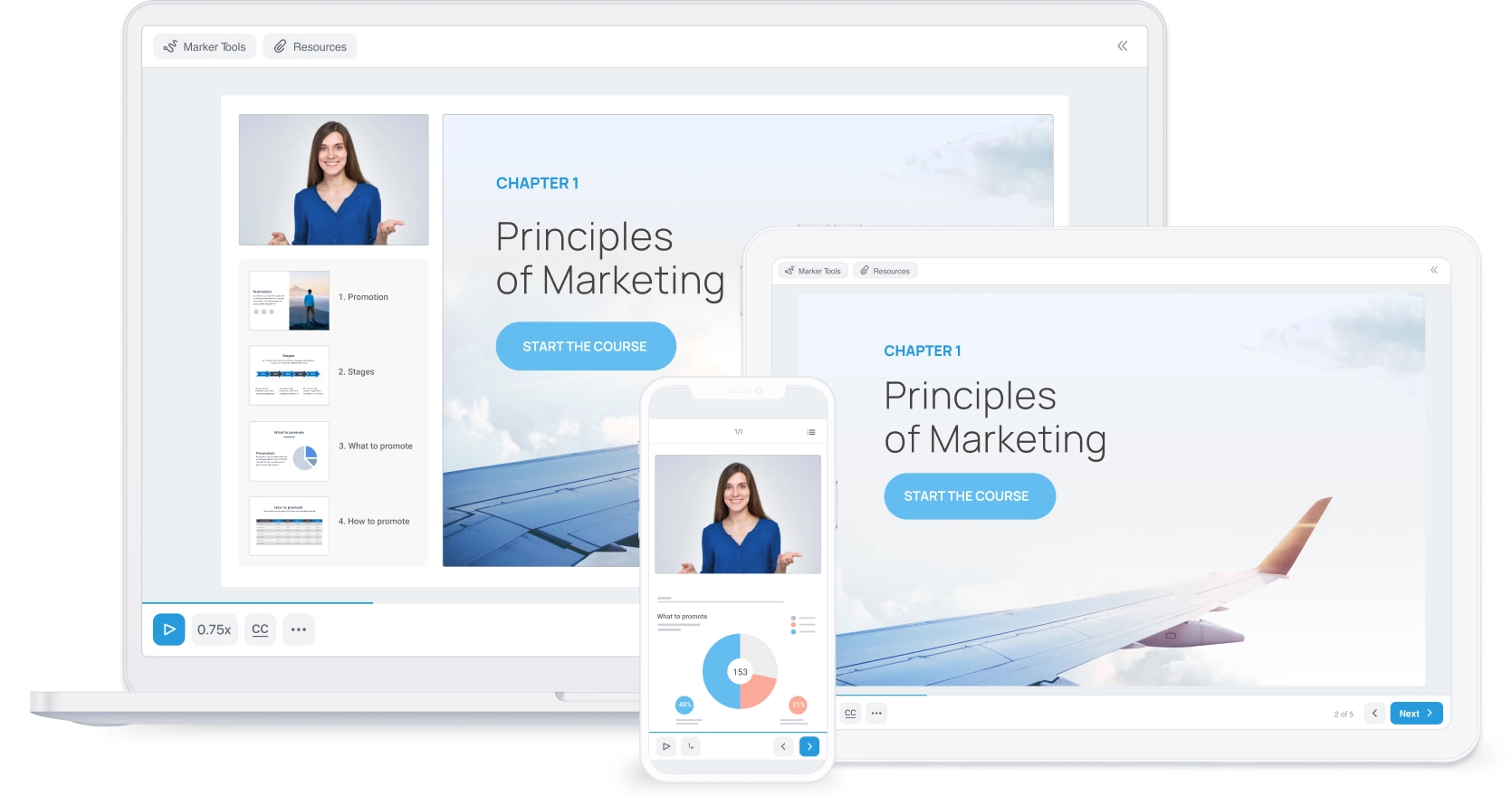
HTML5 presentations work flawlessly on all devices

After a single conversion with iSpring, your presentations will adapt to the screen size and orientation of any device.

Supported Platforms:

  • Windows PC
  • Mac OS
  • iPad and iPhone
  • Android
  • Windows Phone

Goes Beyond Conversion

Enrich your presentations with extra features that go above and beyond PowerPoint.

Add engaging rich media materials to your presentation

With iSpring Converter Pro, you can make your presentation even more engaging and informative by adding complementary external resources:

  • YouTube and Vimeo videos
  • Web Objects

Enhance your presentation with branding

You can easily reinforce your presentation with your corporate identity: company logo and description, a link to your website, and information about one or more presenters.

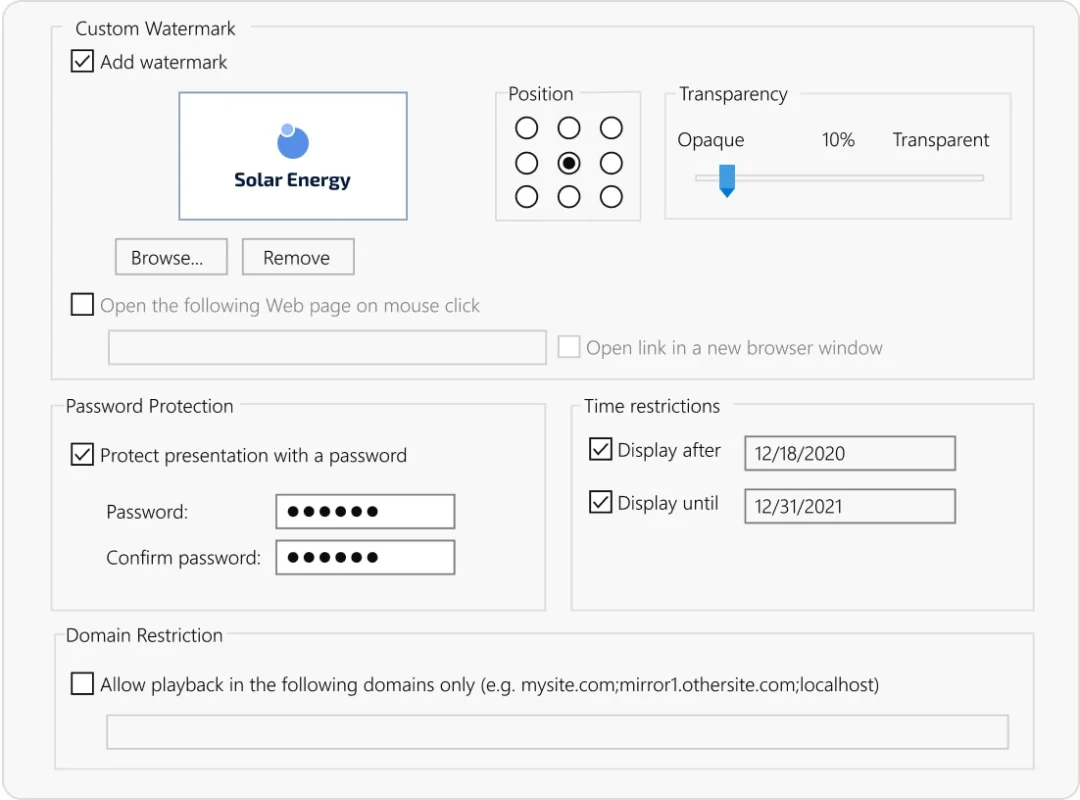
Protect your presentation from unauthorized access

When you publish your presentation for web, there's a risk of vulnerability. iSpring Converter Pro helps you add four layers of ironclad protection: watermark, password, time, and domain restrictions. Internet users will see your presentation only when, where, and how you want them to.


iSpring Converter Pro

Start your free 14-day trial today or purchase in our shop! Start converting your presentations to HTML5.