









Create online quizzes and tests from ready-made question templates, customize design and testing rules, and track employees’ results online.
Explore interactive quizzes created with iSpring QuizMaker
Make effective quizzes and tests to train, engage, and assess employees 24/7
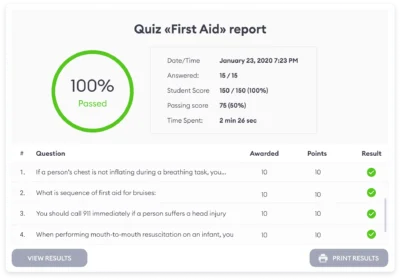
Build quizzes and tests based on real work scenarios to identify employees' skill gaps. Use easy-to-read employee reports to analyze assessment results and generate actionable insights.
Mix chunks of theory with interactive questions to reduce cognitive load. Help employees gradually practice new skills through drag-and-drop, hotspot, and many other question types.
Wrap up every training session with a quiz to help employees deepen and reinforce knowledge gained from the training. To drive retention even more, offer a quick pretest before each course.
Build quizzes and tests based on real work scenarios to identify employees' skill gaps. Use easy-to-read employee reports to analyze assessment results and generate actionable insights.
Make sure everybody in the company has the same comprehensive knowledge of a product. Put together a quick test, assign it via the corporate LMS, and immediately spot underperformers.
Once uploaded online, assessments can be completed from any device: computers, tablets, or smartphones. Employees can take quizzes and tests during breaks or on their way to or from work.
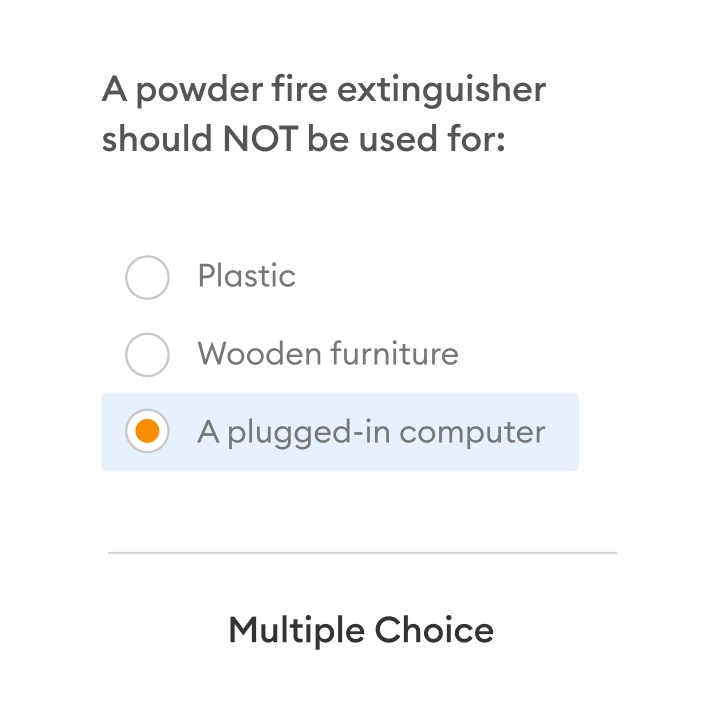



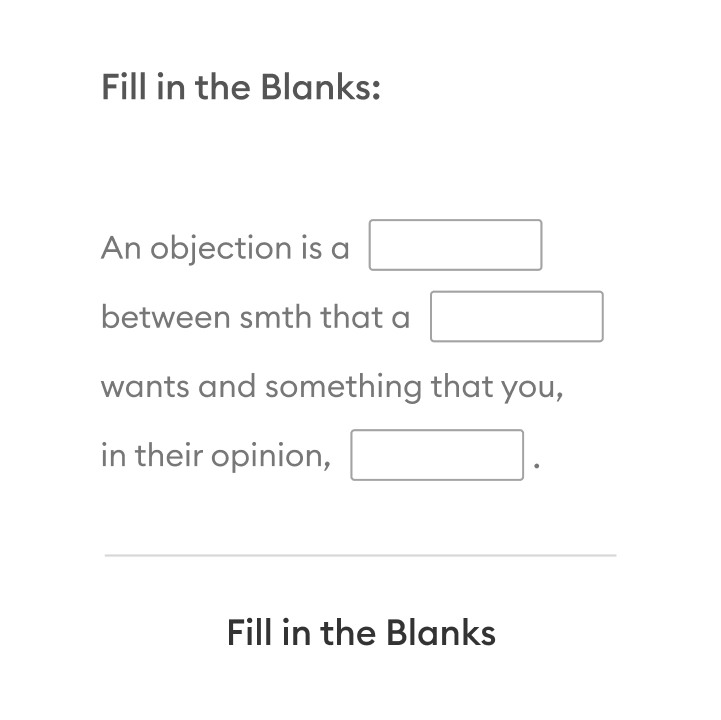
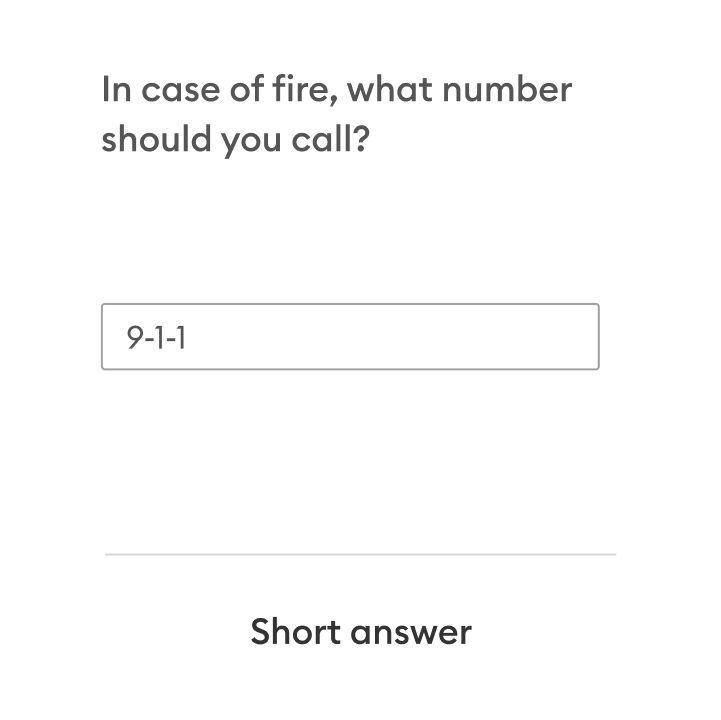
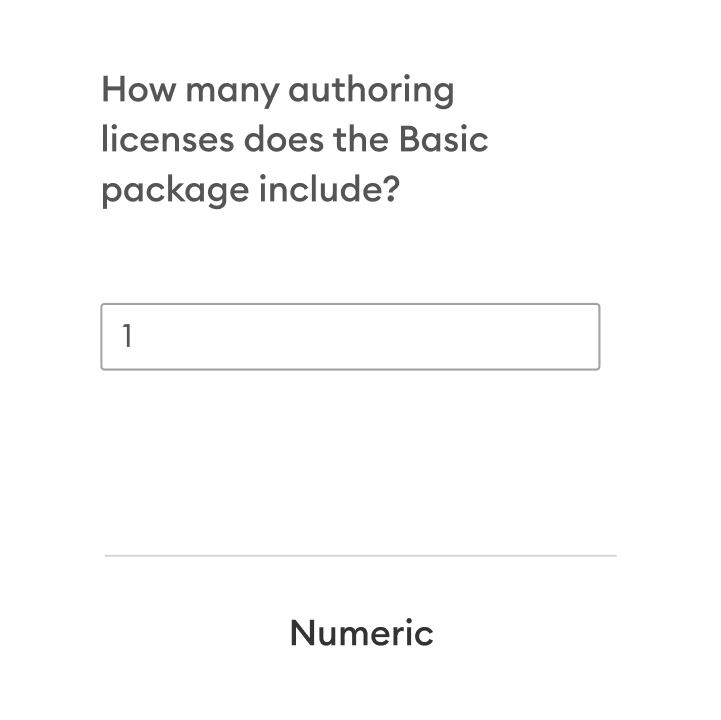
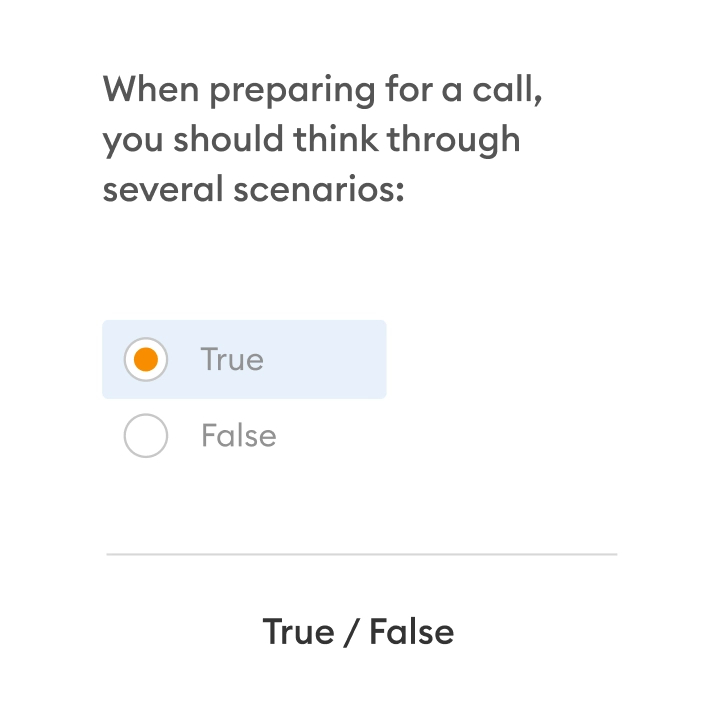
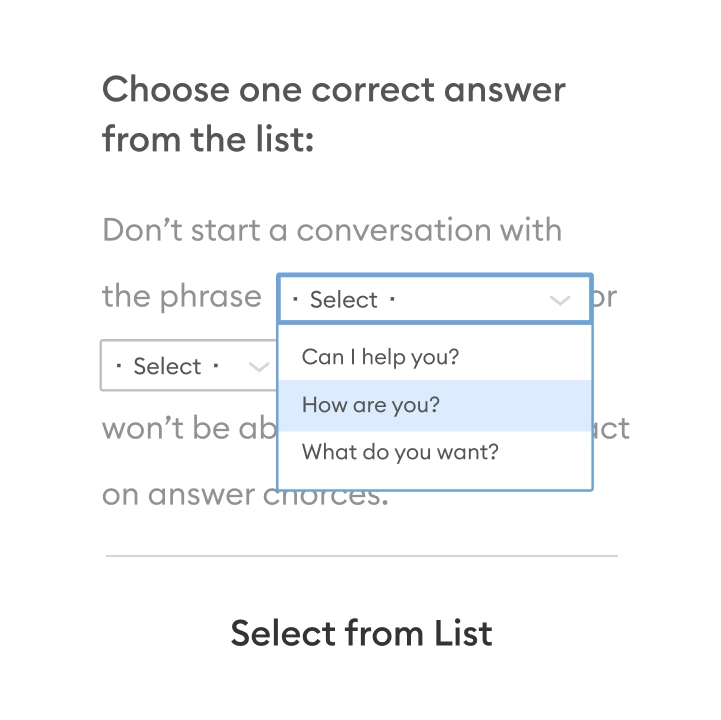
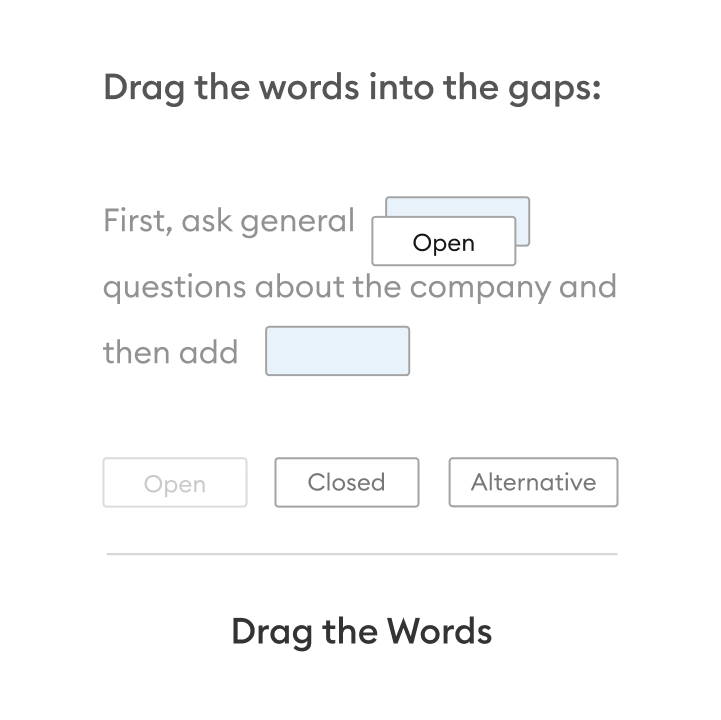
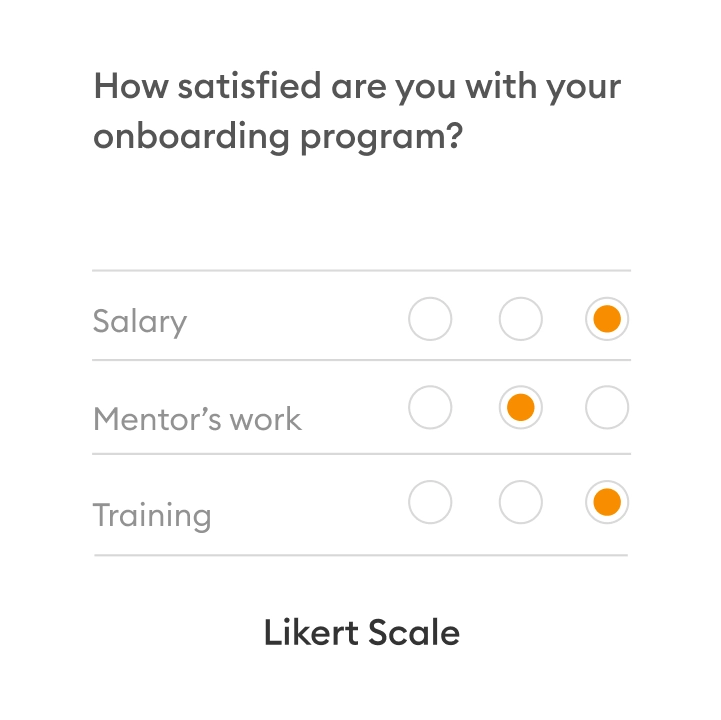
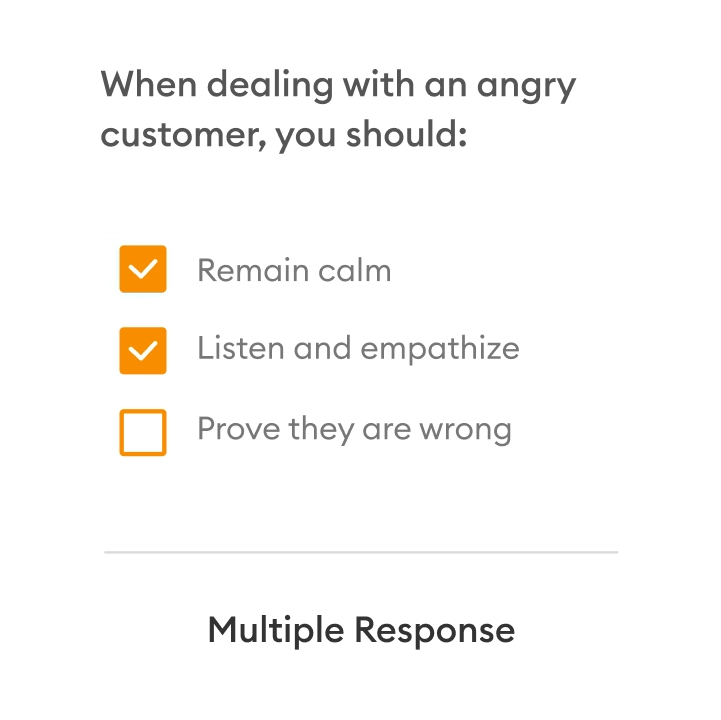
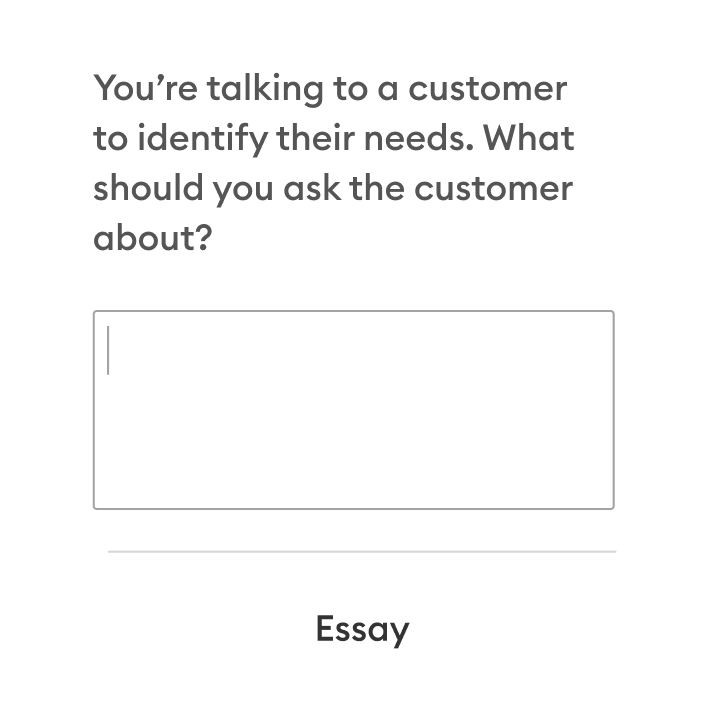
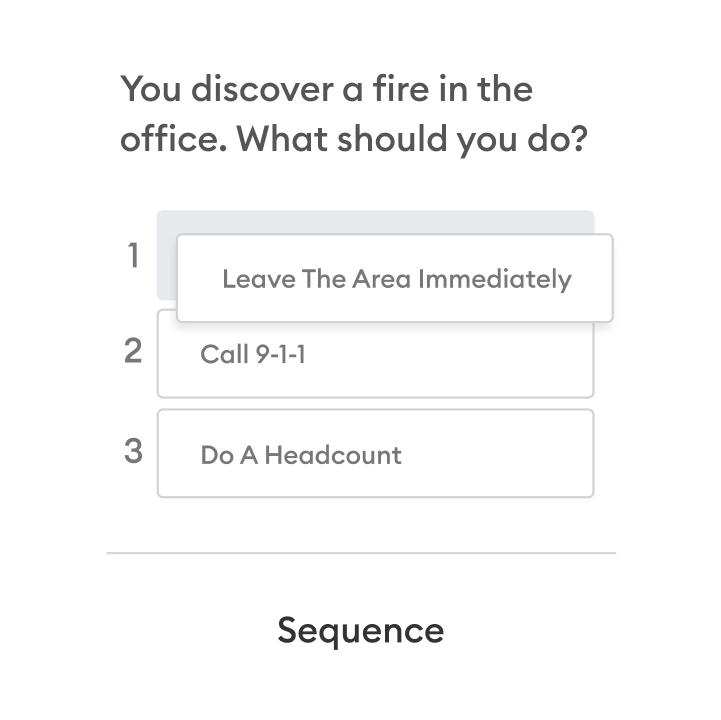
14 question types for effective assessment
Rethink employee training and knowledge assessment with iSpring’s QuizMaker for business. Choose from 14 ready-to-go question templates and build quizzes, tests, and surveys in minutes.
Design interactive assessments tailored to different learning styles
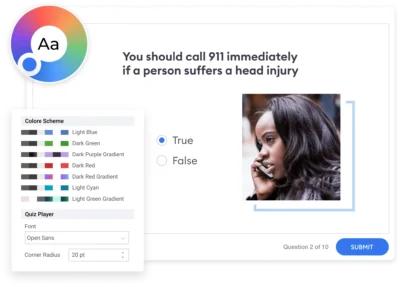
Design quizzes and tests that align with your learning goals and provide the right level of challenge. Mix question types and activities, customize rules, and design assessments that reflect your brand and style.
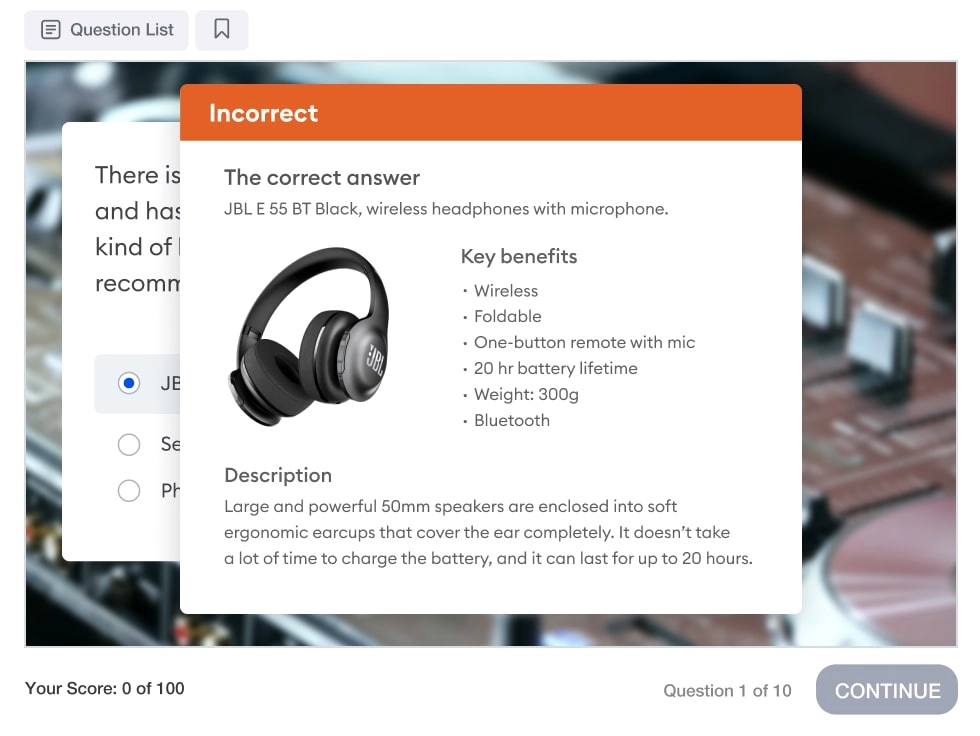
Answer Feedback
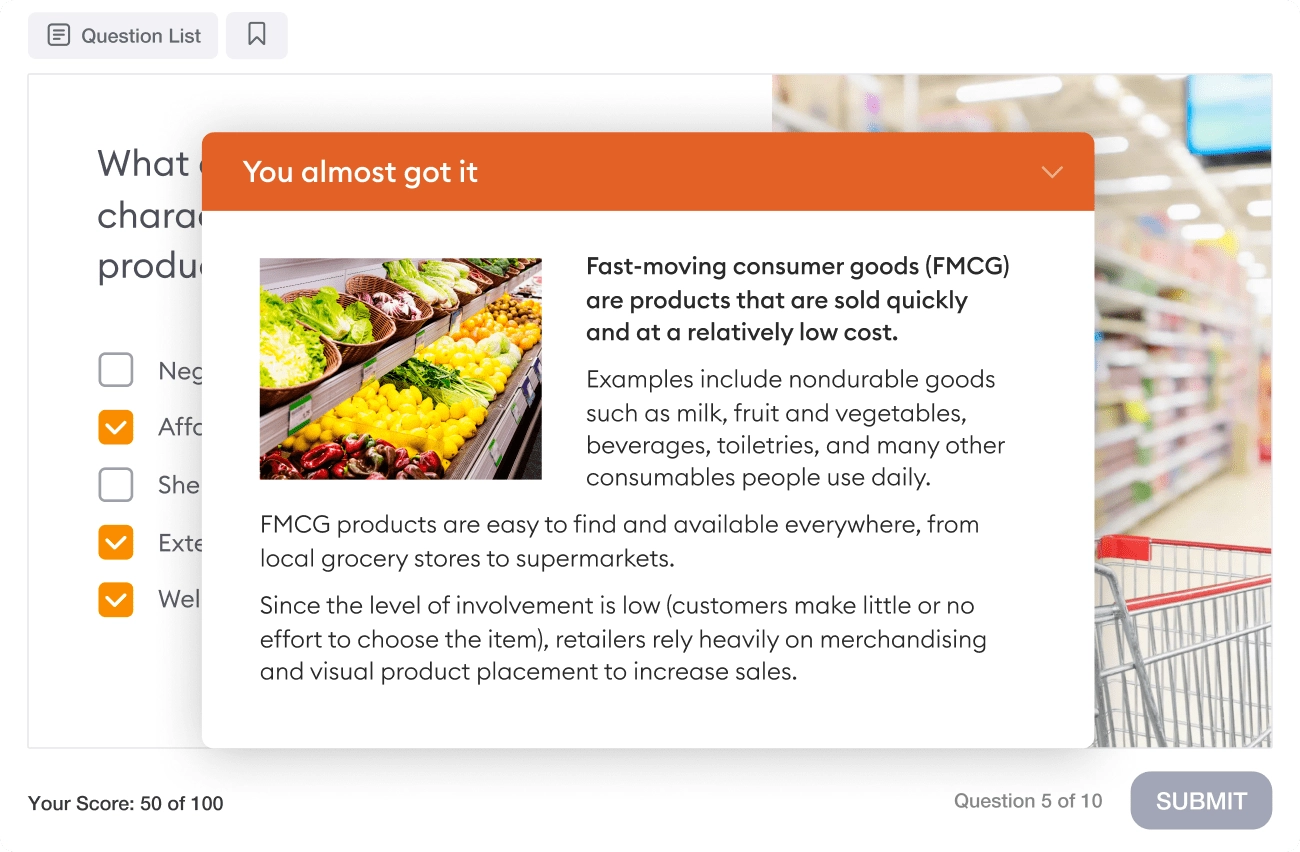
Give detailed feedback to help learners review their mistakes and improve performance. You can explain why an answer is incorrect, and provide useful facts or an entire article on a topic.
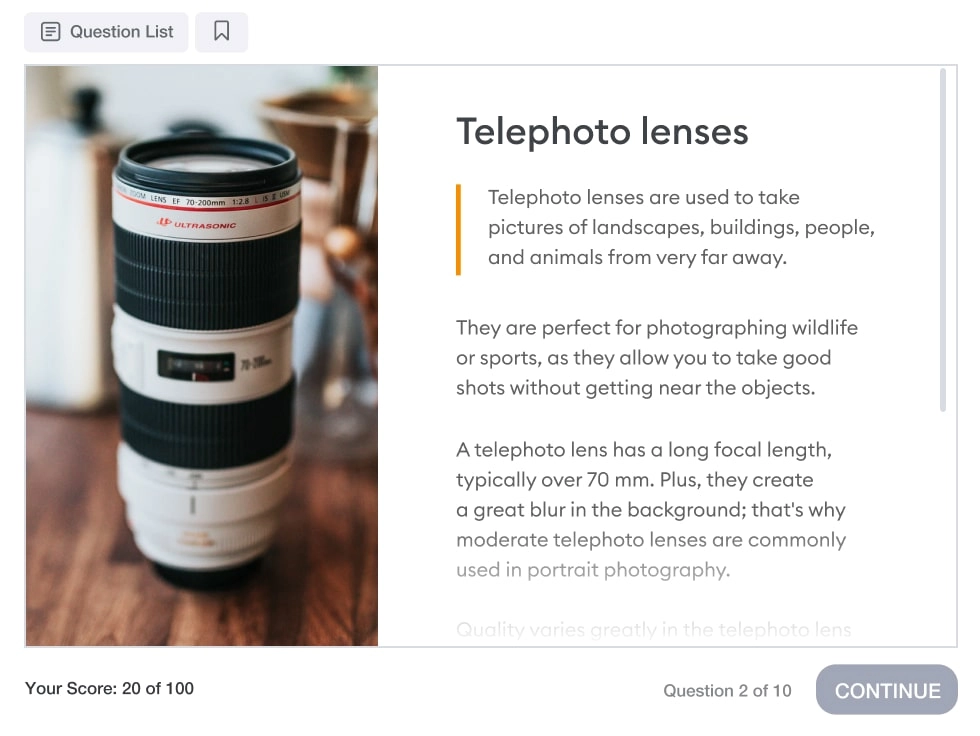
Information Slides
Enhance your training quizzes and tests with additional slides containing detailed information on the subject. This will encourage employees to gain a deeper understanding of the concepts they've learned.
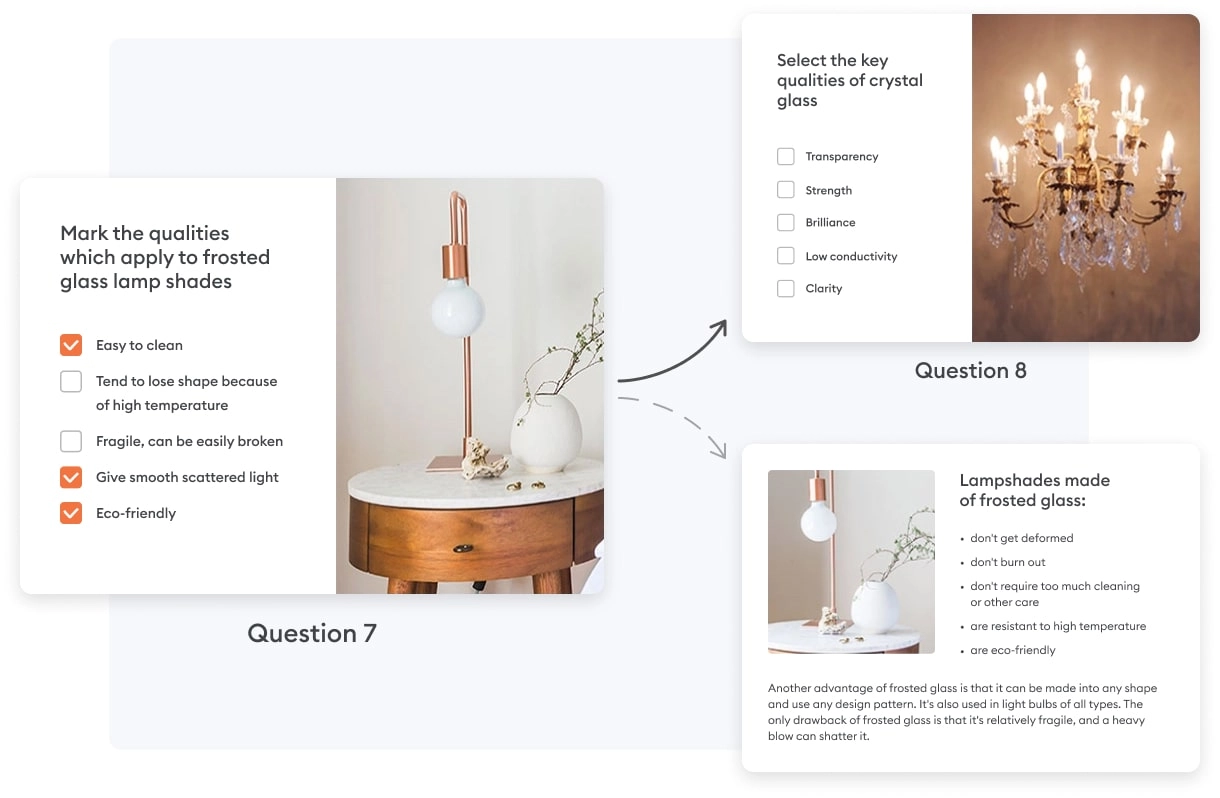
Branching Scenarios
Create individual learning paths depending on how well each employee is performing on the quiz. For example, if the employee gives a correct answer, they can move to the next question. Otherwise, they have to read an info slide before moving on.
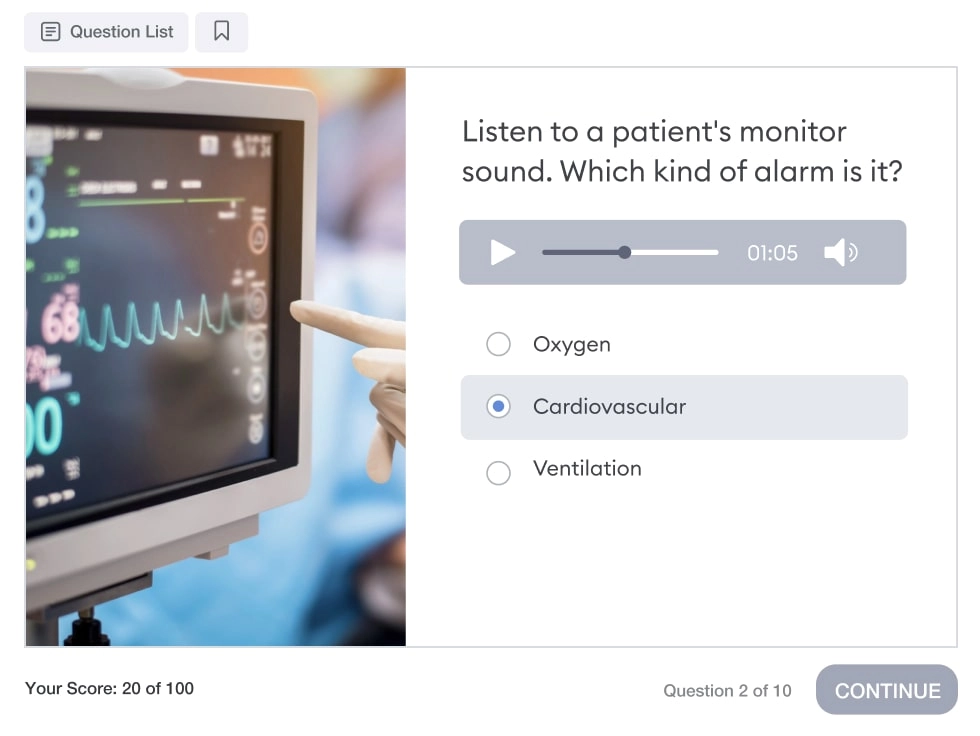
Audio based questions
You can use audio-based questions to assess employees’ practical knowledge and skills. For example, if it’s a medical equipment quiz, you can check how well your employees know different warning sounds.
Equation formatted questions
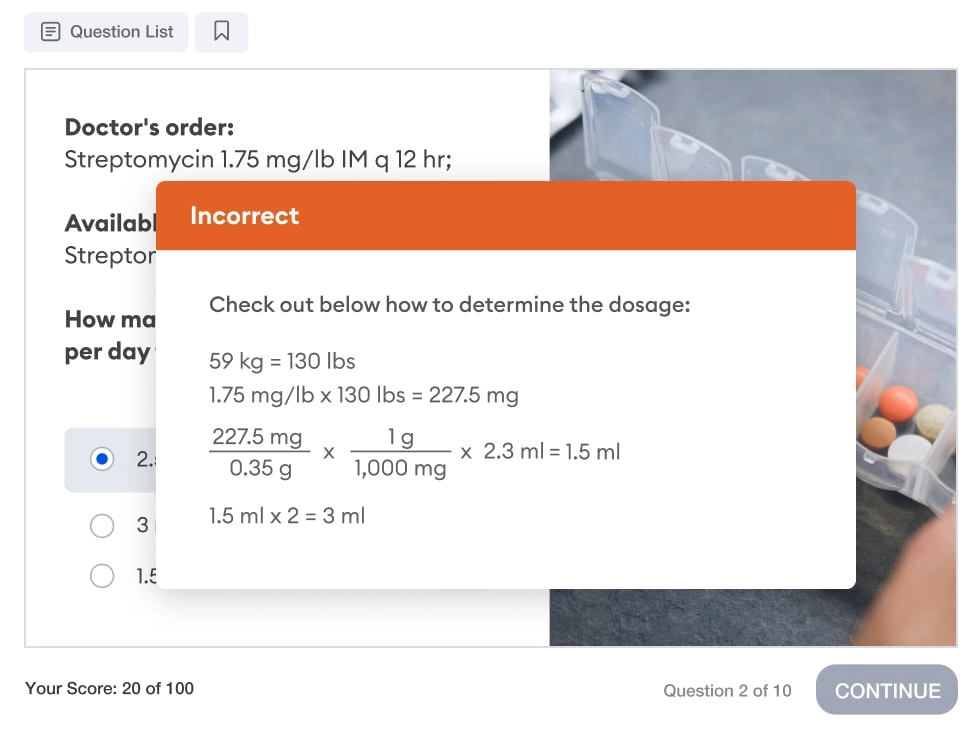
With iSpring’s built-in Equation Editor, you can create quizzes and tests with mathematical symbols and expressions, like square root, power, integral, and many more. For example, you can build a quiz for nurses where they have to calculate drug doses and infusion rates.
Courses you create are compatible with 150+ LMS platforms
iSpring’s technical team has cautiously tested compatibility with over 150 LMS platforms, ensuring your courses work seamlessly with your chosen system.
SCORM 1.2
SCORM 2004
xAPI
cmi5
AICC
What you can experience with iSpring QuizMaker
Get Started with iSpring QuizMaker Today!
Start your free 14-day trial today or purchase in our shop! Start designing assessments catered to different learning styles.