


An intuitive authoring tool designed to prioritize the learner experience, making course creation both simple and engaging.

  • SCORM courses
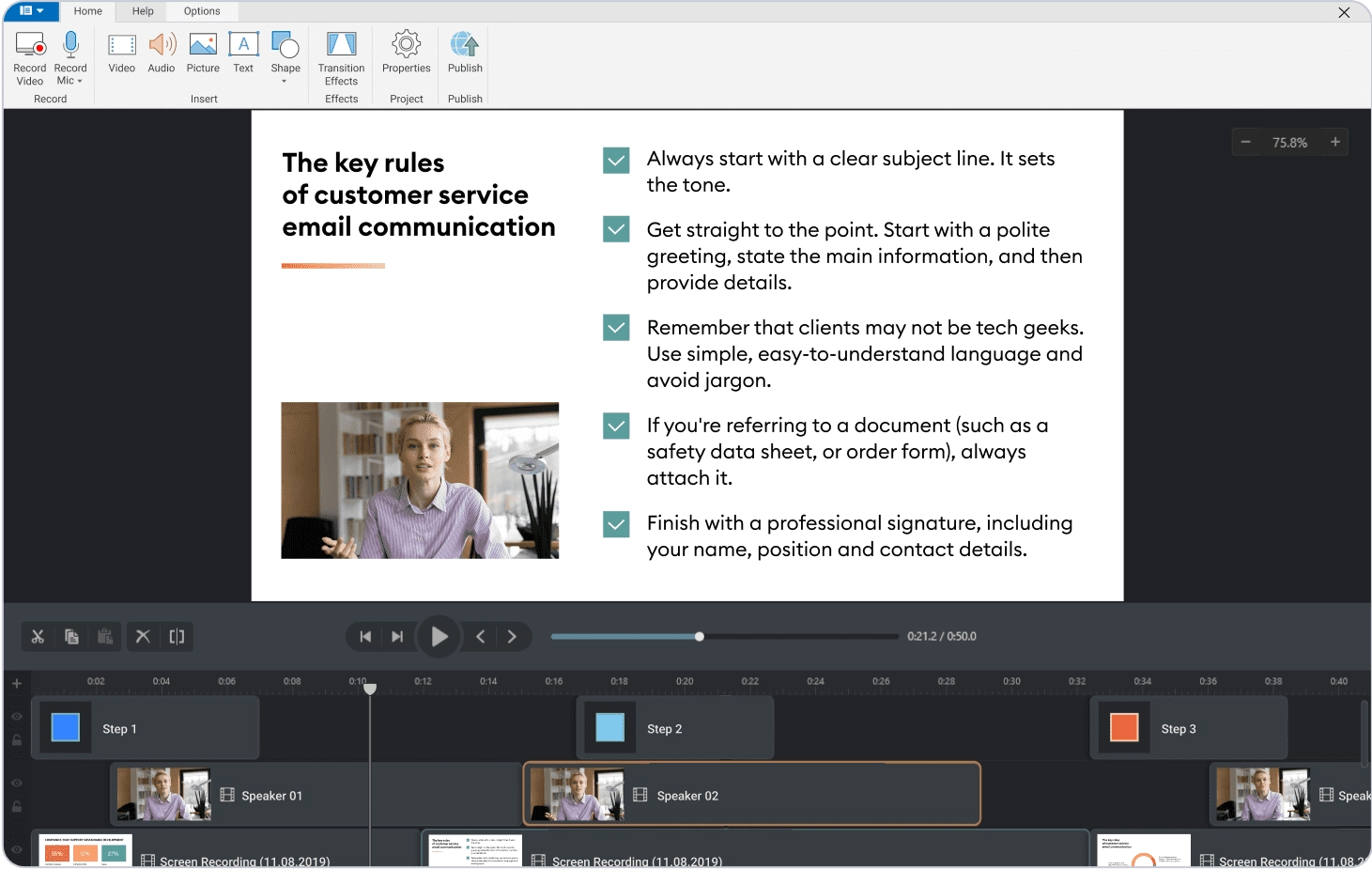
  • Video lectures
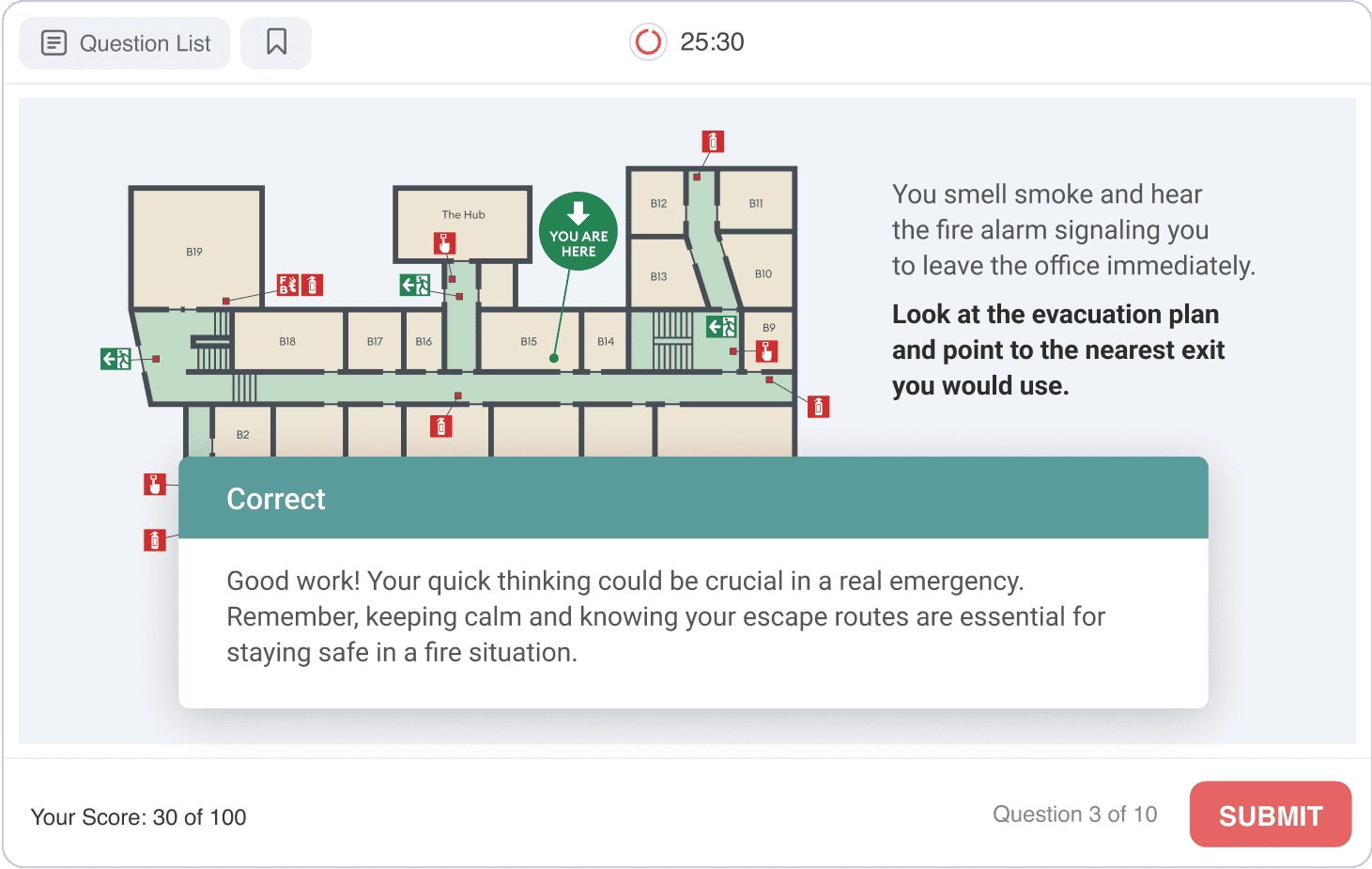
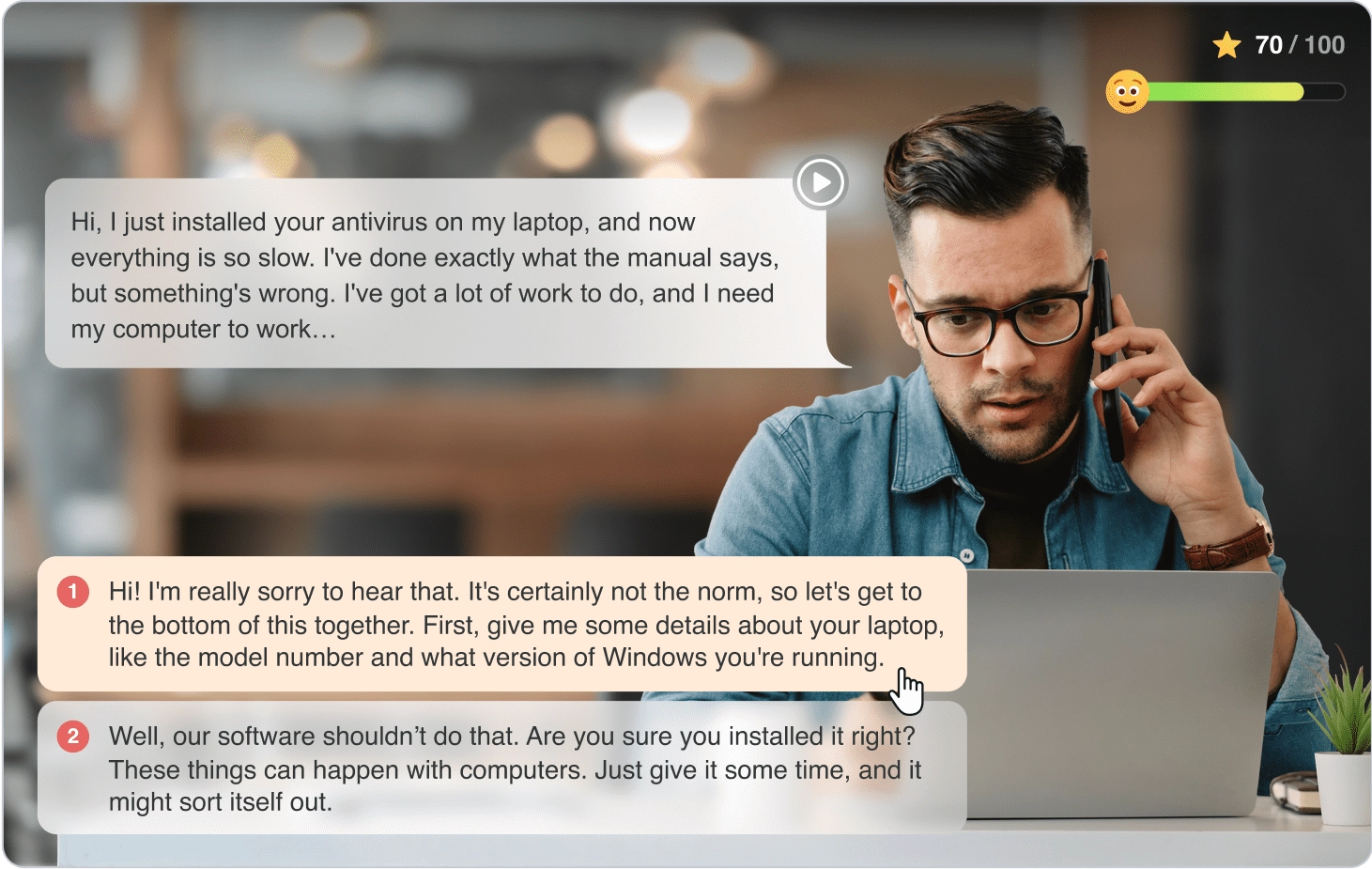
  • Quizzes and role-plays
  • Character builder
  • AI assistant

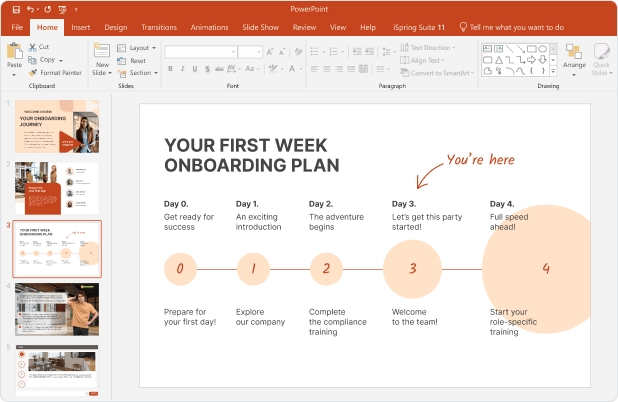
iSpring leverages your existing PowerPoint skills

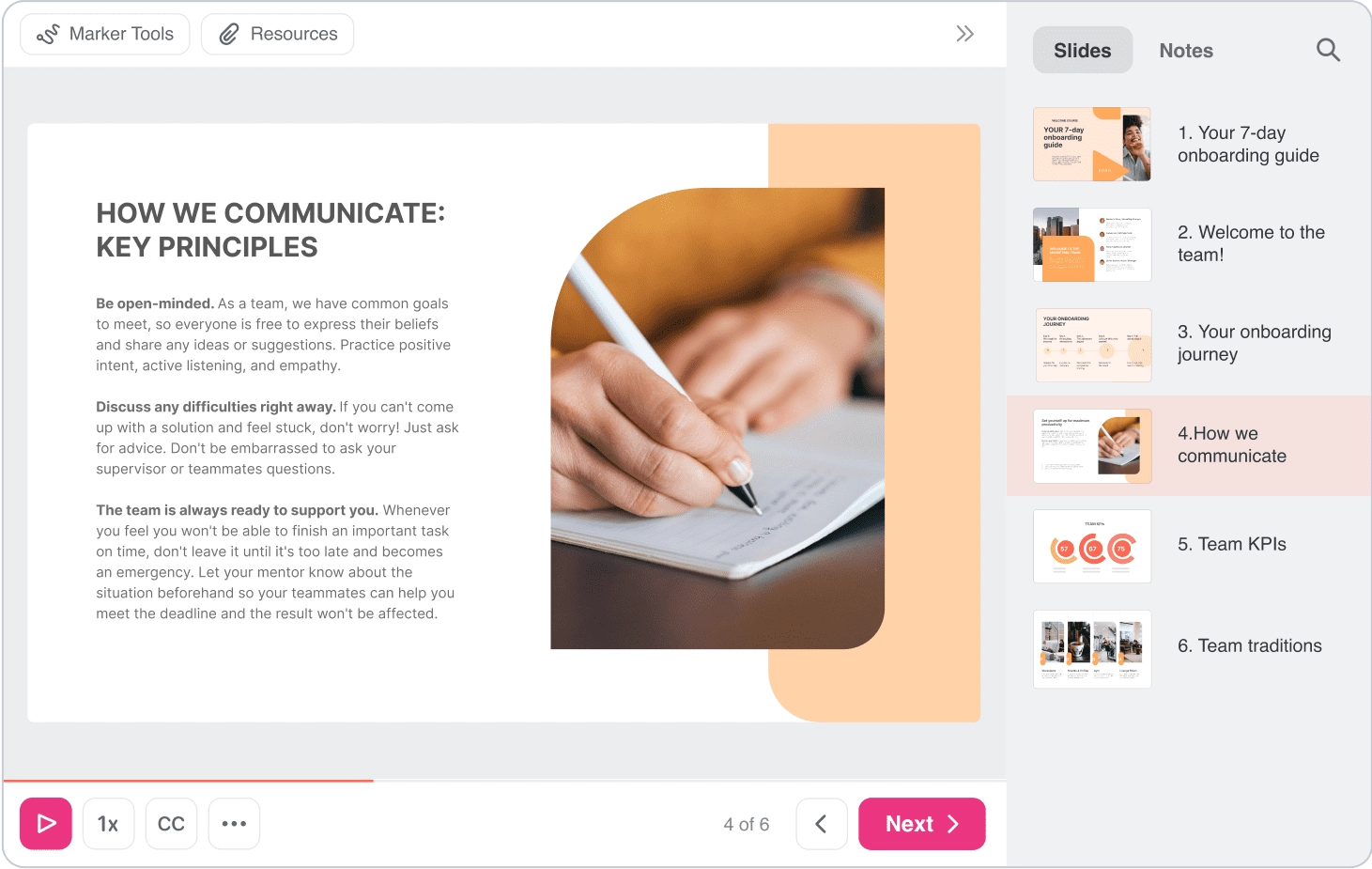
iSpring transforms PowerPoint into an intuitive e-learning authoring tool. Build courses from scratch or customize templates while keeping all your original slides, animations, and interactivity intact.

One solution with infinite possibilities.

PowerPoint to SCORM
iSpring AI
Interactive Quizzes

Training Videos

Role-play Simulations

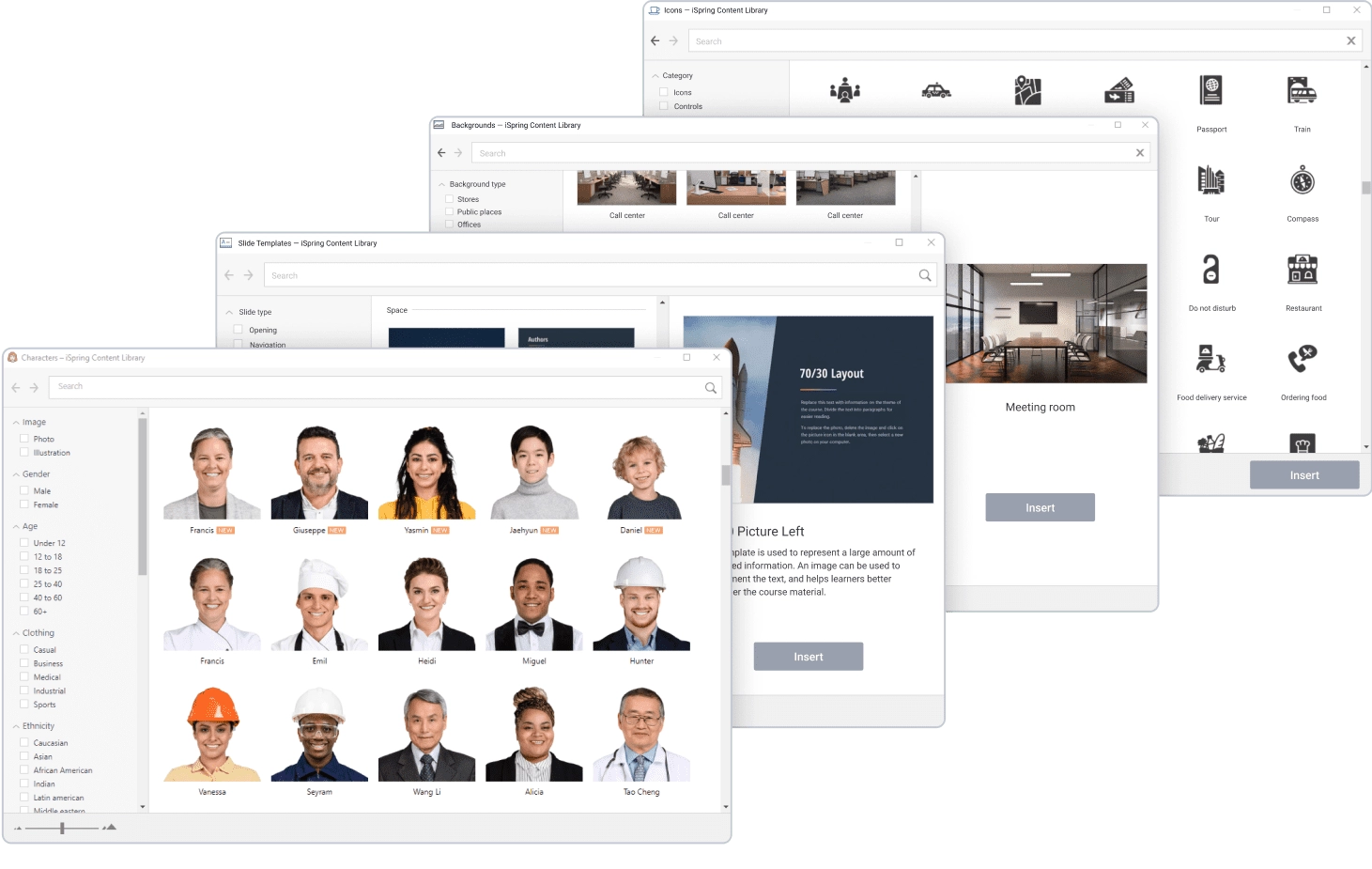
Content Library

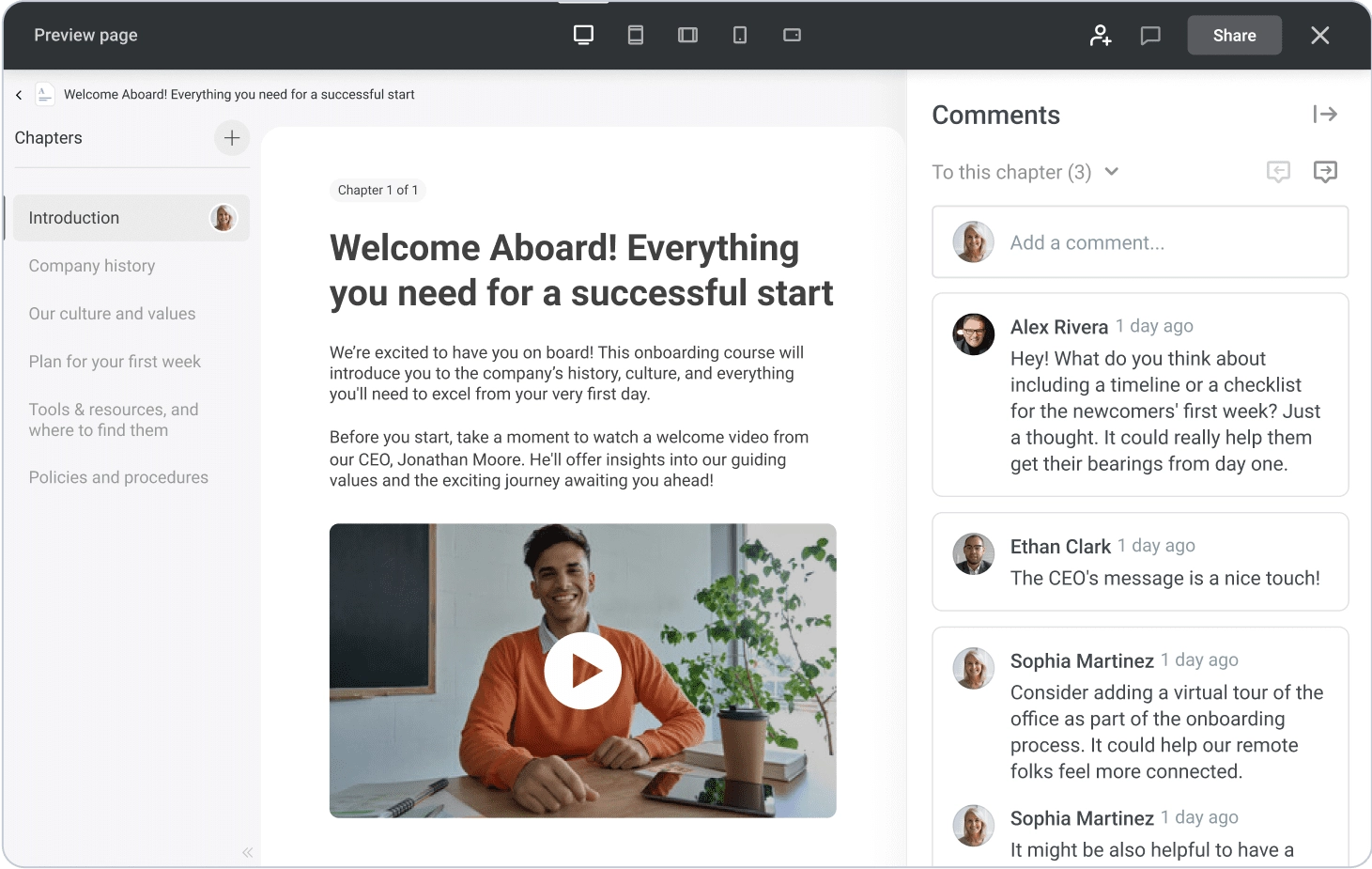
iSpring Cloud

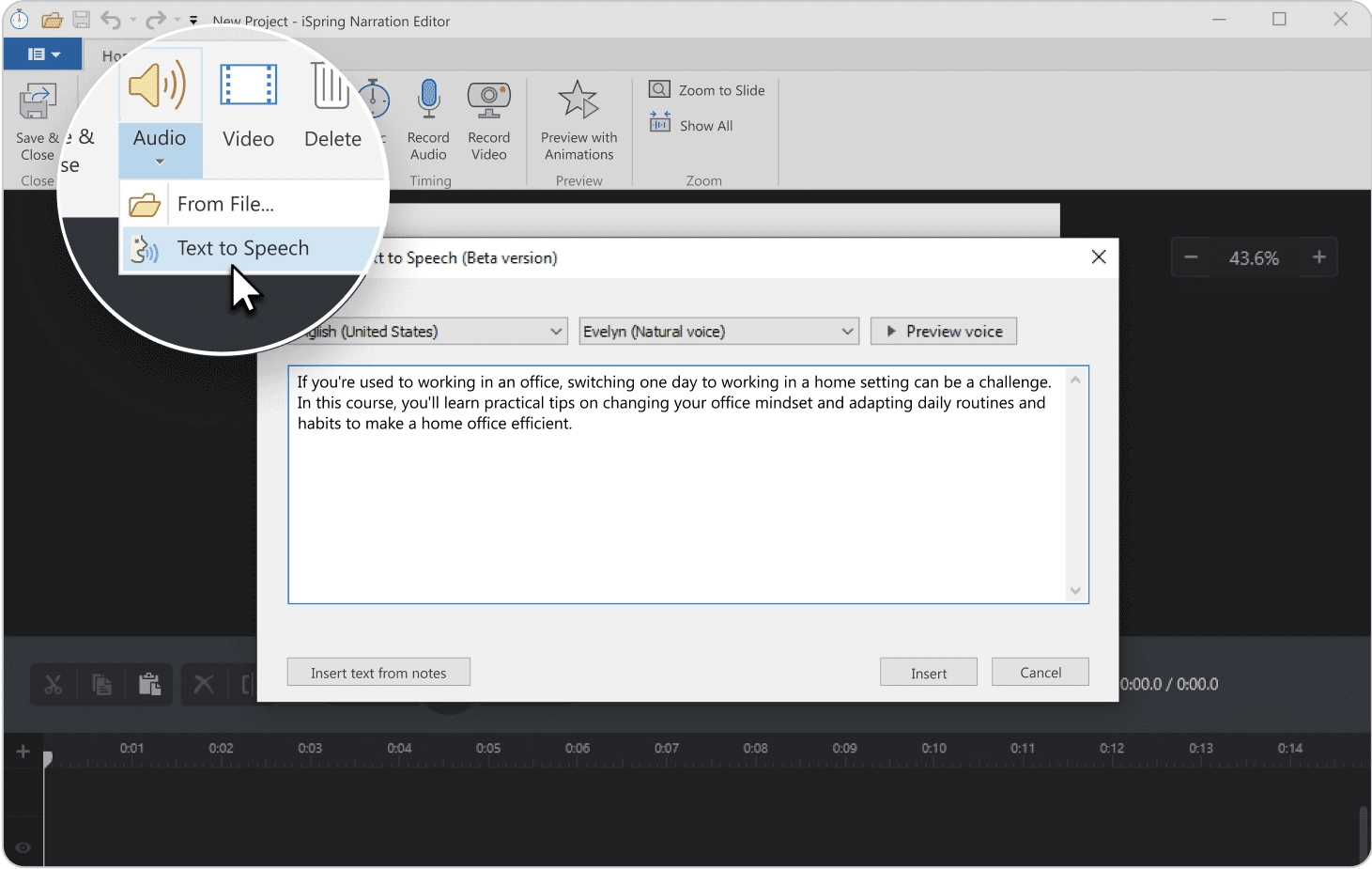
Text to Speech

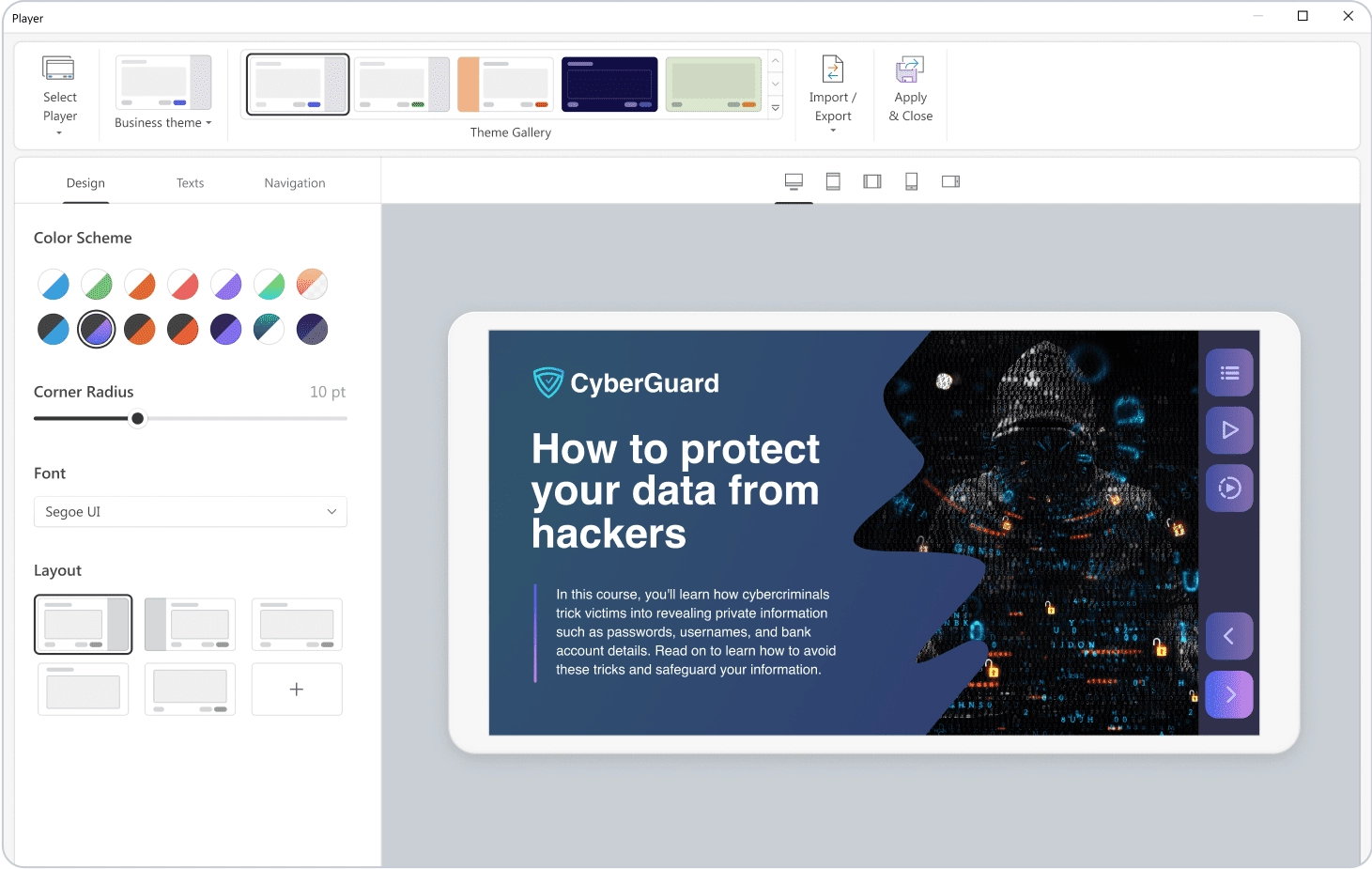
Adaptive Player
See all features →
PowerPoint to SCORM
iSpring AI
Interactive Quizzes
Training Videos
Role-play Simulations
Content Library
iSpring Cloud
Text to Speech
Adaptive Player
Courses you create are compatible with 150+ LMS platforms

iSpring’s technical team has cautiously tested compatibility with over 150 LMS platforms, ensuring your courses work seamlessly with your chosen system.

 SCORM 1.2 

 SCORM 2004 

xAPI

cmi5

AICC

Start creating e-learning courses with the all in one platform.
Courses Made Fast, Reliable, and Easy.

FAQ for iSpring Suite

Does iSpring Suite offer AI course authoring?

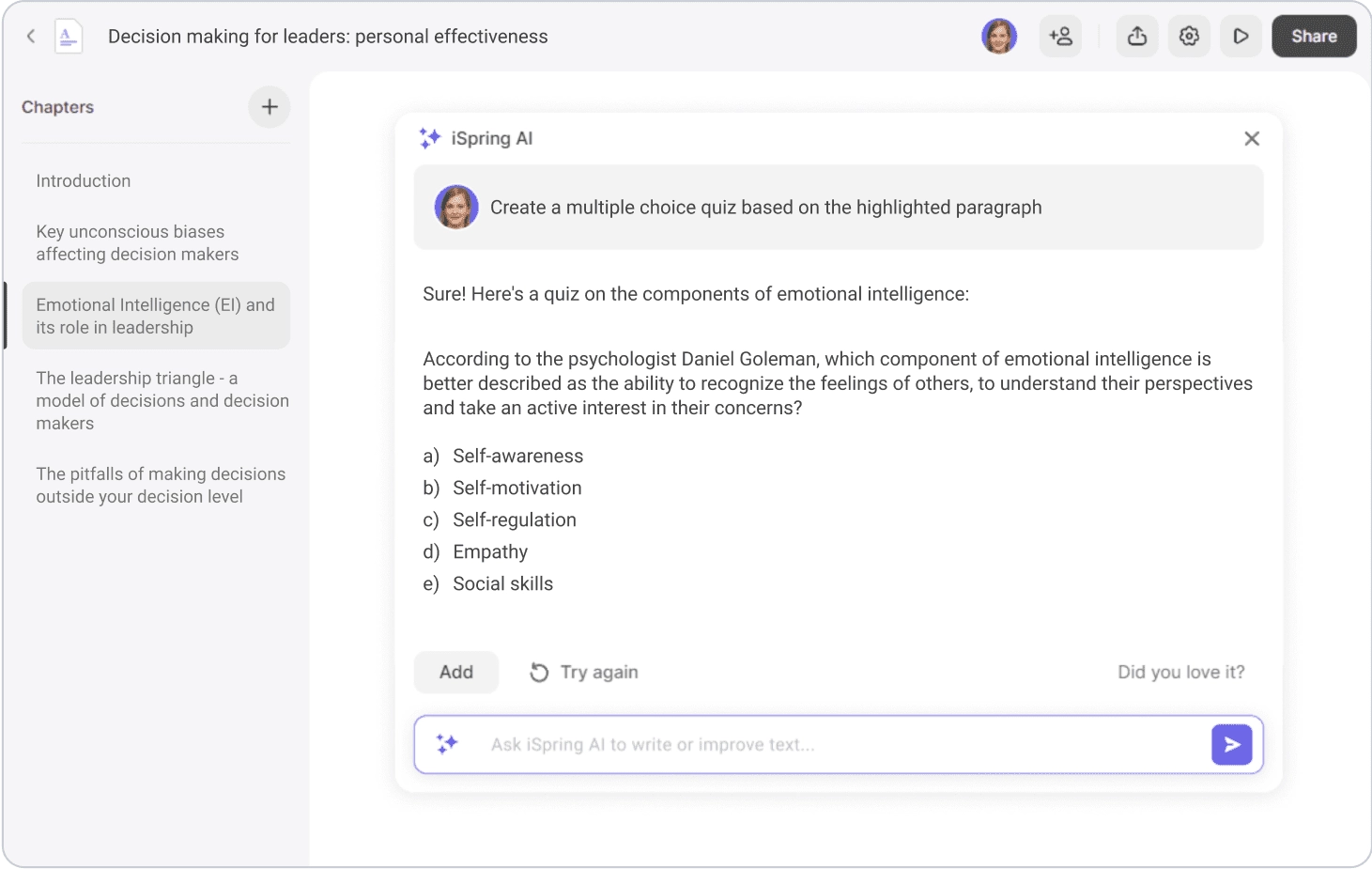
Yes, iSpring Suite AI features an AI assistant that can generate and edit content, offer course ideas, summarize text, and generate quiz questions and answers. iSpring AI can also enhance the visual design of your course by highlighting important elements, creating lists, and selecting headings. Learn more about iSpring AI here.

Can I work in iSpring Suite if I am a Mac user?

iSpring Suite is a tool developed as Windows-based software, it doesn’t have a standalone version for Mac users. However, you can access and use the authoring tool from Mac. Here are the two ways to do it:

  • If you have an Intel-based Mac, you can install a licensed copy of Microsoft Windows to your computer and run the desktop version of iSpring Suite.
  • You can use iSpring Cloud AI, our browser-based authoring tool for creating beautiful page-like courses and assessments without the need to install Windows on your Mac.
Do you provide technical support for software installation and maintenance?

Yes, our technical support team will guide you throughout the installation process and help you use the tool effectively for your course creation needs.

You can also browse step-by-step instructions and help docs in the iSpring Suite Knowledge Base with answers to all the questions about the tool’s interface and functionalities.

Why does iSpring Suite AI cost much more than iSpring Suite?

iSpring Suite AI provides many additional features that make course creation even more efficient.
You get access to:

  • Content Library, which contains over 110,000+ eLearning assets, templates, and characters to help you build content faster.
  • iSpring Cloud, an online space for asset storage and real-time collaboration on courses.
  • iSpring AI, a robust AI assistant.
  • A text-to-speech (TTS) feature for creating voice-overs in multiple languages, and more.

The cost includes regular software updates, and our highly trained support agents are ready to help you 24/7.

Does iSpring Suite support mobile content?

Yes, all learning content created with iSpring Suite works perfectly on smartphones and tablets.
Content, buttons, controls, and course panels automatically adapt to any screen size and layout.
Learners can use gestures to tap, swipe, or zoom course elements and interact with them effortlessly.

Does iSpring Suite provide ready-made course templates?

Yes, iSpring Suite AI features Content Library, a vast collection of eLearning assets with 2,300+ course templates you can use for fast creation. You also get access to other assets that include:

  • Illustrated characters and locations
  • Photos
  • Icons, UI controls, and more.
Do I need to have PowerPoint installed on my computer to use iSpring Suite?

Yes. Since iSpring Suite works as a PowerPoint add-in, it requires a fully functional desktop version of PowerPoint installed on your computer.

If you don’t use PowerPoint, you can opt for iSpring Cloud AI, our cloud-based authoring tool. iSpring Cloud AI works right in a browser and features an AI assistant to help you optimize learning content creation.

Can I create SCORM content with iSpring Suite?

Yes, you can easily create fully SCORM-compliant eLearning courses with iSpring Suite. You can publish your courses to SCORM 1.2 and SCORM 2004 with a single click.

Courses created with our authoring tool are also compatible with other major eLearning standards: AICC, xAPI (Tin Can), and cmi5.