


Create
Documents
Reports
Dashboards
Forms
Labels
Reporting tool for web, cloud & desktop apps
The reporting engine that transforms raw data into pixel-perfect reports with just a few API calls. Supports .NET, Java, Delphi and more. Built for devs, made to scale, embeddable anywhere.
Built to scale
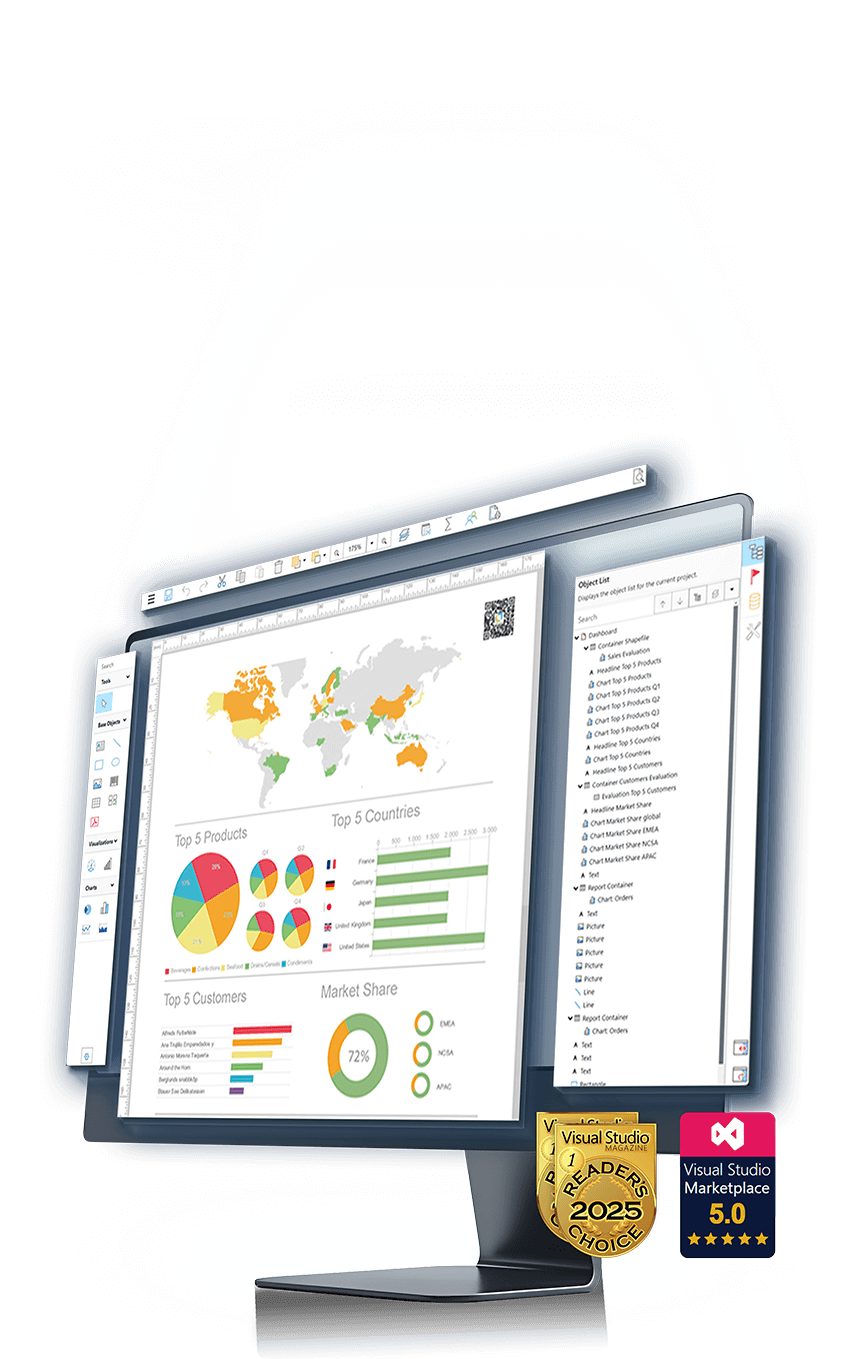
Everything you need to build powerful reports
163+
Design Features
253+
Formula Functions
41+
Data Sources
28+
Export Formats
62+
Barcodes
Trusted by industry leaders worldwide

Works with your stack
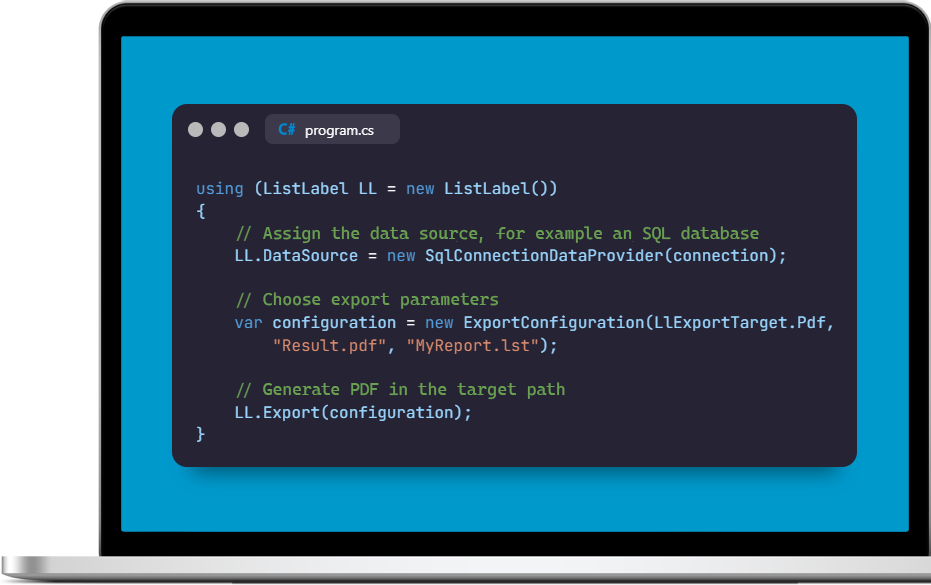
- Visual Studio .NET/.NET Core: The included NuGet packages allow for quick integration into your project. List & Label supports .NET 8/9/10, .NET Framework 4.x, and all CLR languages (C#, C++/CLI).
- Delphi/VCL: Use the VCL component to seamlessly integrate List & Label with Embarcadero RAD Studio. Support for FireDAC provides easy and fast data access.
- C/C++: Develop your List & Label application with C/C++ using the API. Sample applications show how you can use the IDataProvider interface to implement advanced reporting features.
- Other languages and IDEs: You can integrate List & Label into any DLL/API-compatible language.
Cross-platform reporting
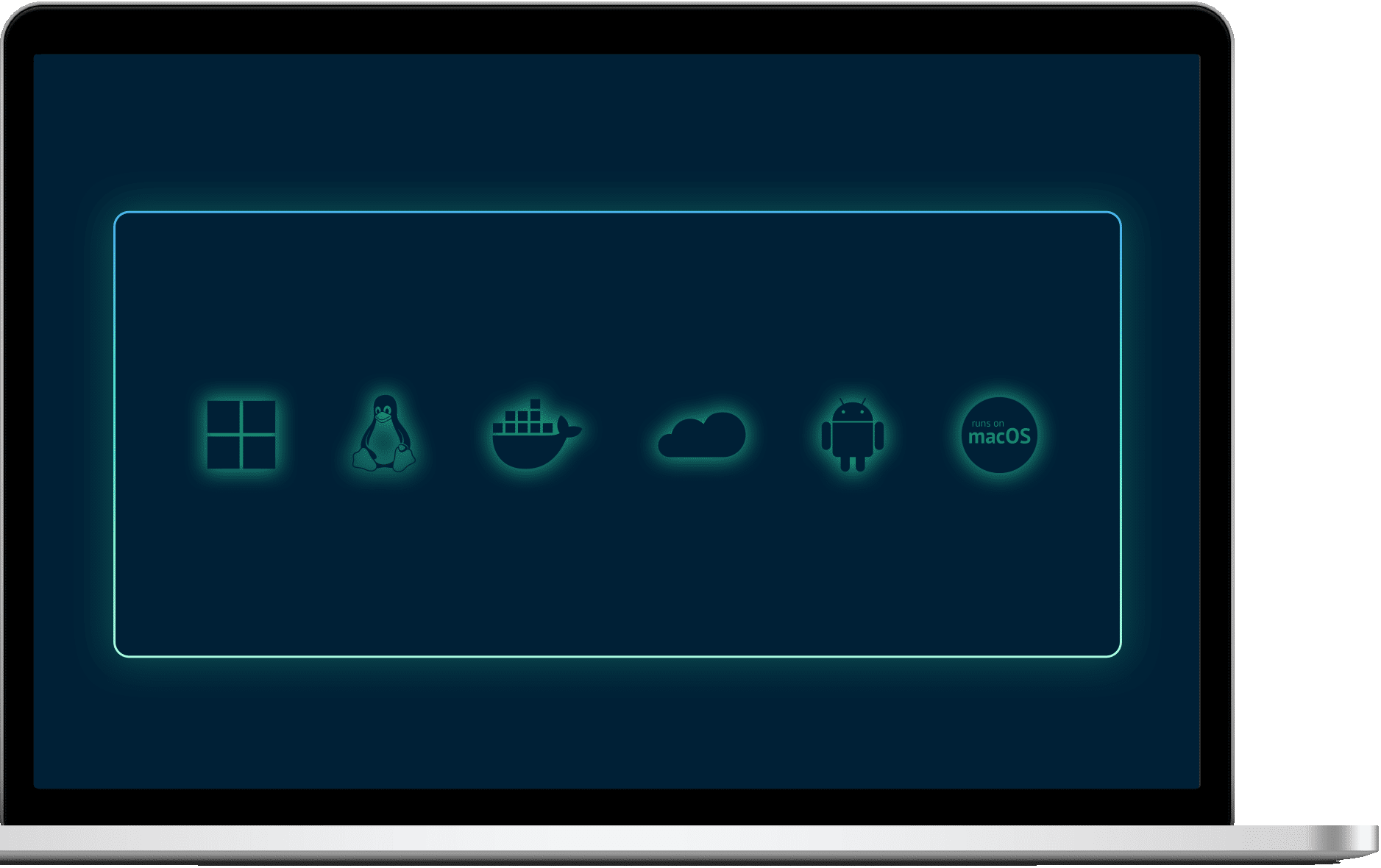
Build once. Run anywhere. With List & Label Cross Platform, your reports run on Windows, Linux, macOS, iOS, and Android — all from a single codebase.
- Easy integration into .NET stacks: Supports Blazor, MAUI, ASP.NET Core, Avalonia, and other frameworks out of the box.
- Cloud-native & container-ready: Ideal for microservices, Docker deployments, and hybrid cloud architectures.
- Blazing-fast rendering with SkiaSharp: Up to five times faster thanks to GPU acceleration—perfect for large datasets and real-time requirements.
- Cost-efficient through Linux support: Use inexpensive Linux servers without sacrificing performance or functionality.
- Future-proof & modern: JSON-based project files and a modern, .NET-native API structure ensure long-term maintainability and compatibility.
Flexible data connectivity
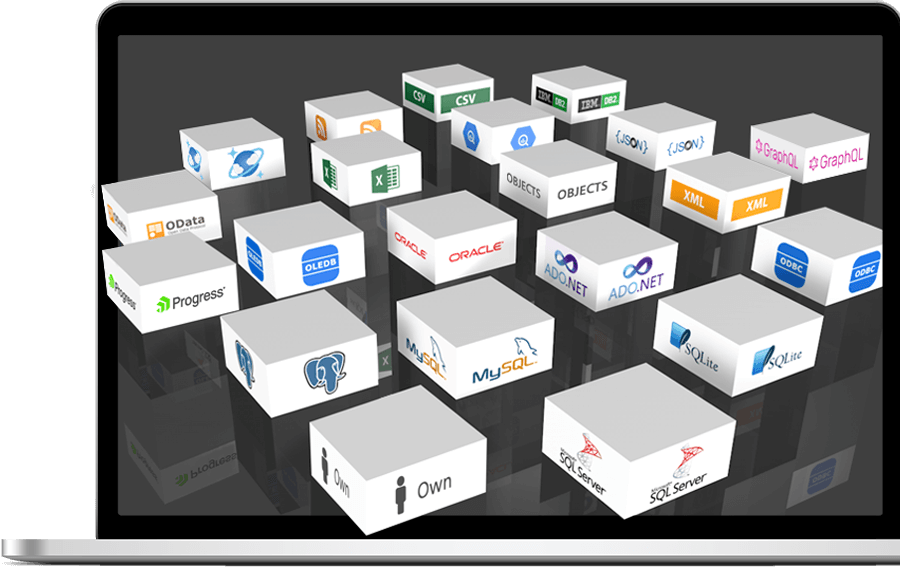
- Over 40 data providers for .NET: Choose from a variety of data sources, including SQL databases like MS SQL Server, MySQL, Oracle, and NoSQL databases, or file-based formats such as JSON or XML.
- Custom data sources: Create your own data providers to connect List & Label to virtually any data source.
- Combining data sources: Add multiple data sources of different types to your report templates to integrate them into a single report, such as data from SQL databases and CSV files.
- Full data control: Numerous events in the source code allow you to control whether and how data from the data provider is used.
- FireDAC support: Enables data connectivity in Delphi applications using FireDAC technology, supporting a variety of databases like Oracle, MS SQL Server, SQLite, DB2, MySQL, and PostgreSQL.
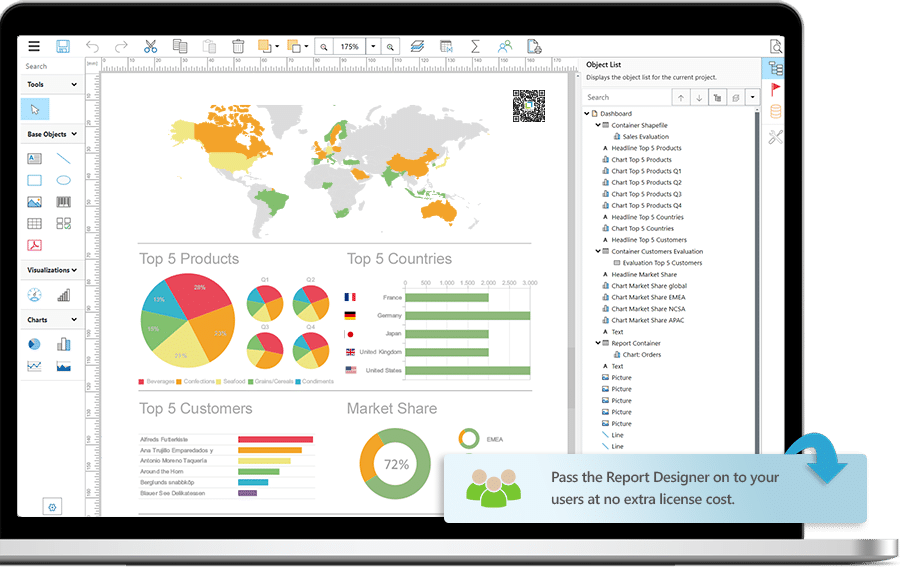
Fully customizable
- Report designer for desktop & web: Fully customizable for users with WYSIWYG convenience and an MS Office look & feel for intuitive operation.
- Various project types: Create complex reports, evaluations, lists, invoices, labels, documents, and forms.
- Free object placement: Unlike banded report designers, which are structured by detail, header, and footer bands, objects in the List & Label Designer can be freely placed and precisely aligned within the workspace.
- Subreports and project includes: Save time when creating new reports by incorporating recurring elements such as letterheads, tables, and charts as subreports or project includes.
- Object model: The Document Object Model (DOM) API allows you to create and modify reports entirely from source code if you prefer to customize report templates at the code level.
- Powerful formula language: With over 250 functions, the formula language supports a wide range of calculations, from mathematical operations to specialized financial and date functions.


Reporting in the browser
In the backend, List & Label supports integration with ASP.NET MVC-based web and cloud applications. In the front-end, flexible integration into JavaScript frameworks such as React, Angular, and Vue is possible.
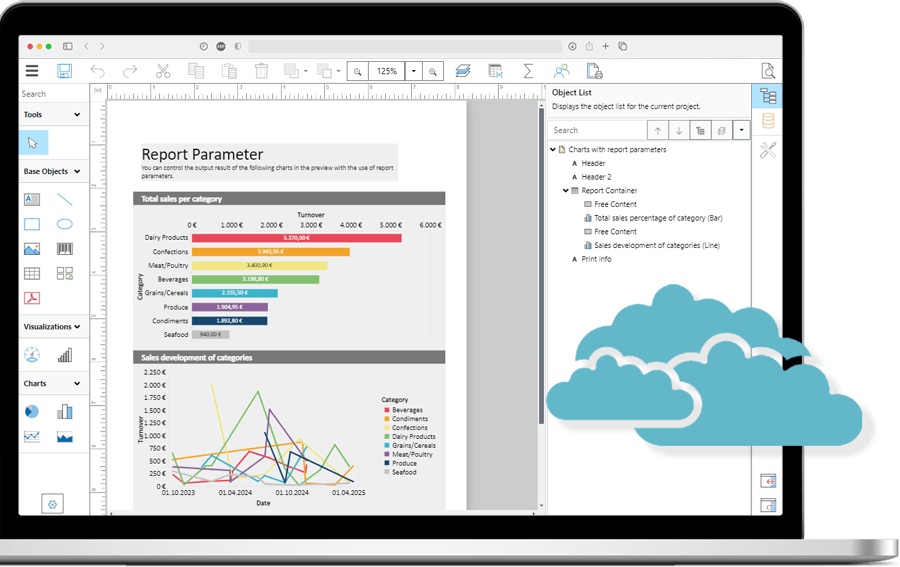
- Designing in the web: Create report templates directly in the browser using the Web Report Designer or Ad-hoc Designer. The interfaces of these designers are optimized for all major browsers, allowing users to create reports platform-independent on Windows, iOS, Linux or Android.
- View reports in the browser: The Web Report Viewer is also platform-independent (Windows, iOS, Linux or Android) and works in all major browsers, offering interactive features such as drill-down, report parameters and expandable regions.
- Server-based reporting: The Report Server is a web-based and scalable reporting platform that can be seamlessly integrated into your cloud or on-premises infrastructure.
Interactive experiences
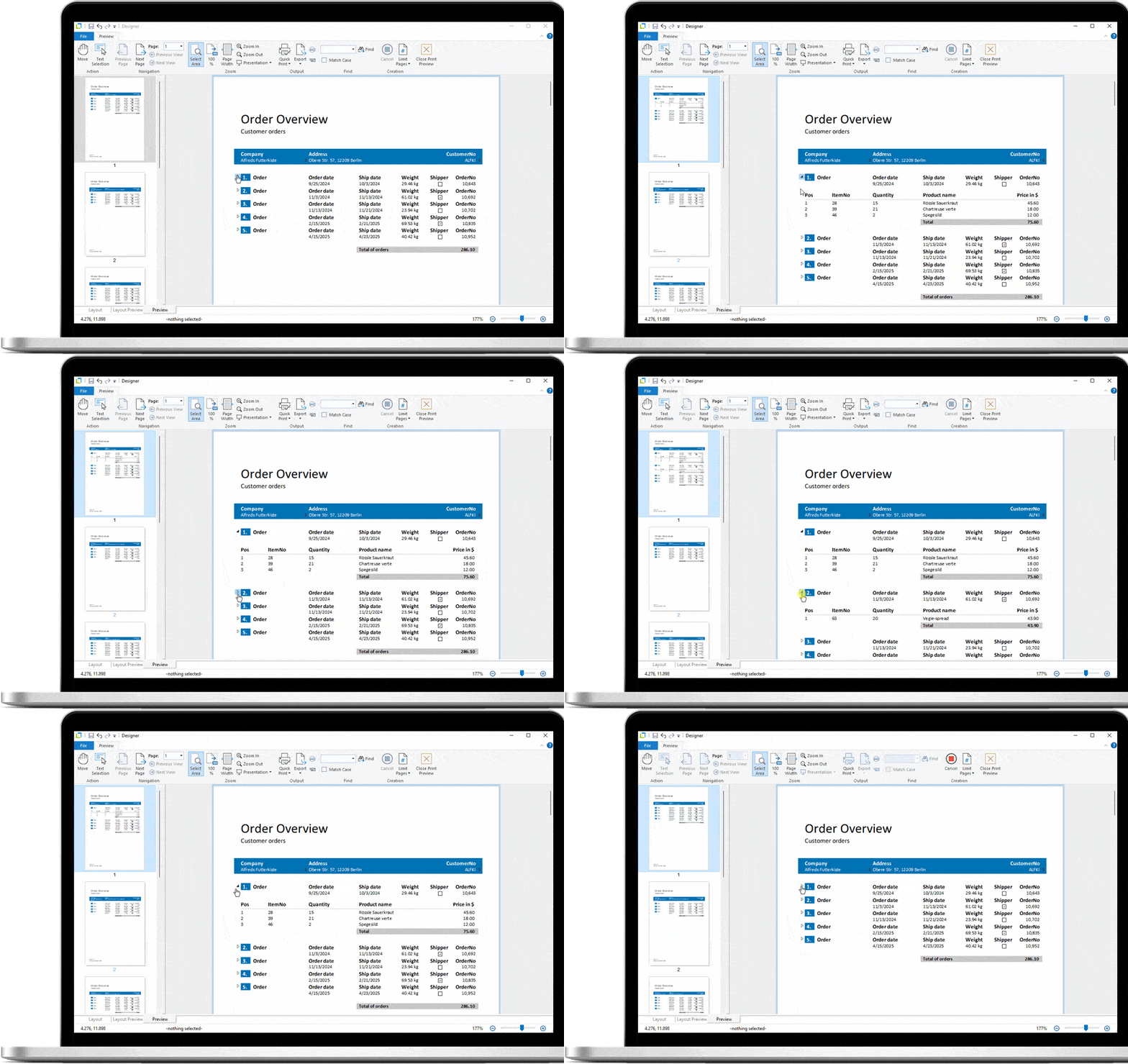
- Report parameters: Allow users to filter by specific values in the preview to select what information is displayed.
- Interactive drilldowns: Users can navigate from aggregated information to more detailed data. This is an easy way to explore multidimensional data.
- Expandable regions: These provide a drilldown option without leaving the current view or creating a separate project.
- Sorting: Users can change the order of data by simply clicking on the relevant column header in the preview. This allows users to determine the order of the data without having to make layout adjustments.
- Forms: Users can design forms in the Report Designer, with elements retained in the preview and when exported to PDF. Fields can be edited in the PDF.
Extensive printing options
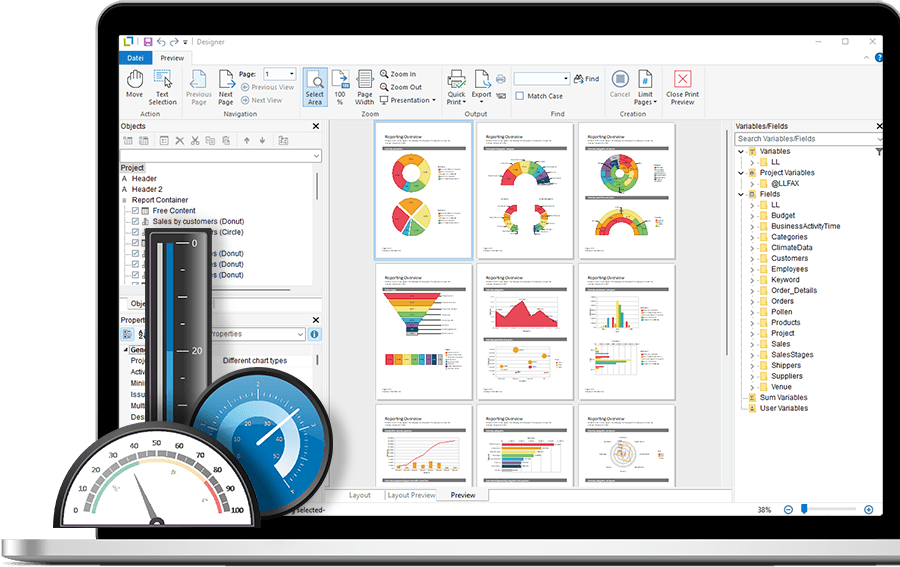
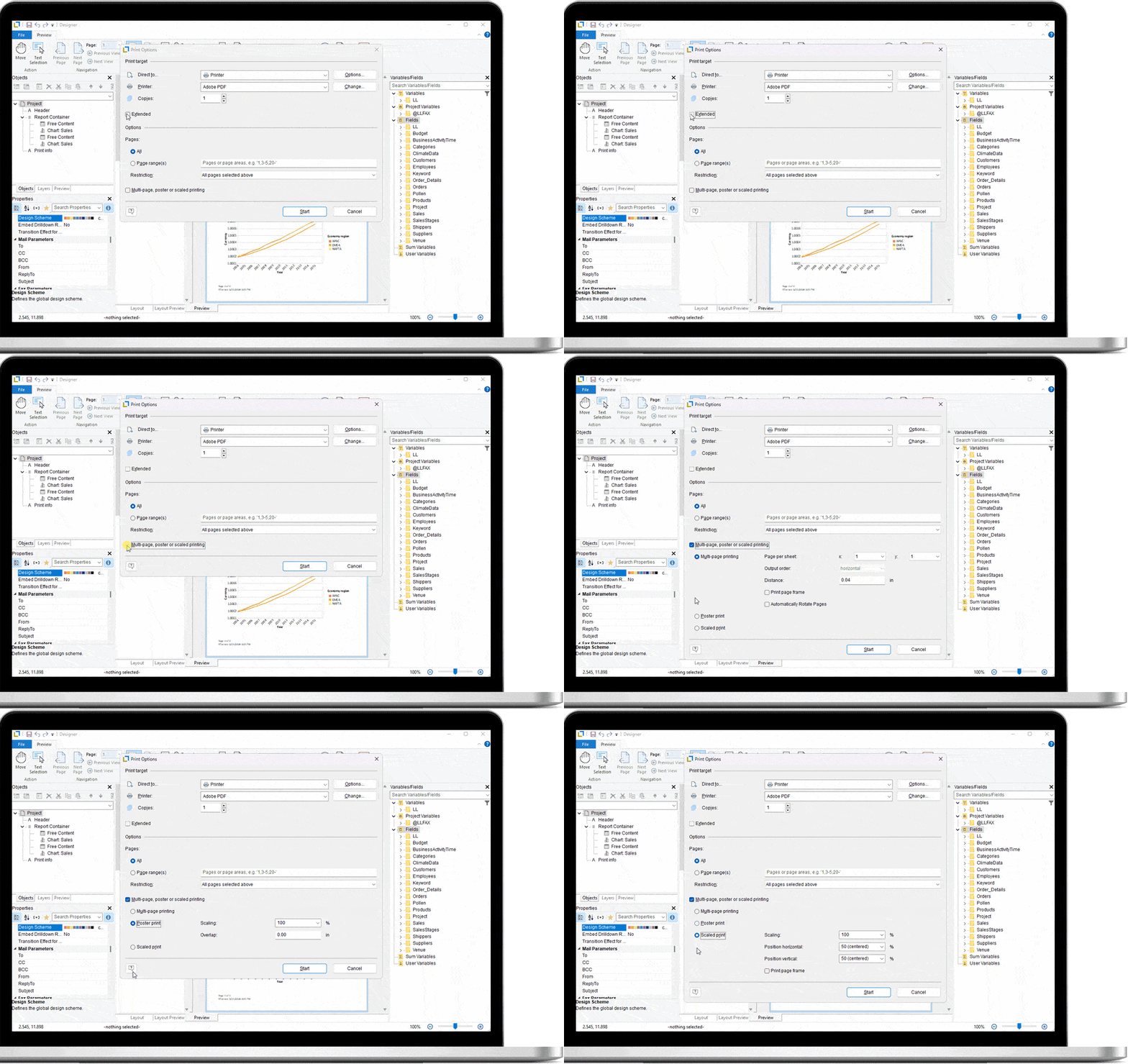
- Preview: Allows you to generate your reports with real data and see the finished report instantly (WYSIWYG). So you can check and adjust the layout and data before printing and exporting.
- Poster printing, multi-page printing, and scaling: With this option, you can print multiple pages on a single sheet (multi-page printing), multiple sheets per page (poster printing), or scaled prints.
- Combination printing: Combination printing allows you to combine different projects into one print job.
- Multi-pass processing for pre-calculations: This feature allows multiple print passes, simplifying tasks such as working with references or displaying different information when printing multiple outputs.
- Print job distribution: Tailor your print jobs to meet different requirements. For example, you can create multiple copies or versions of a document, each with specific print settings.
Numerous export formats
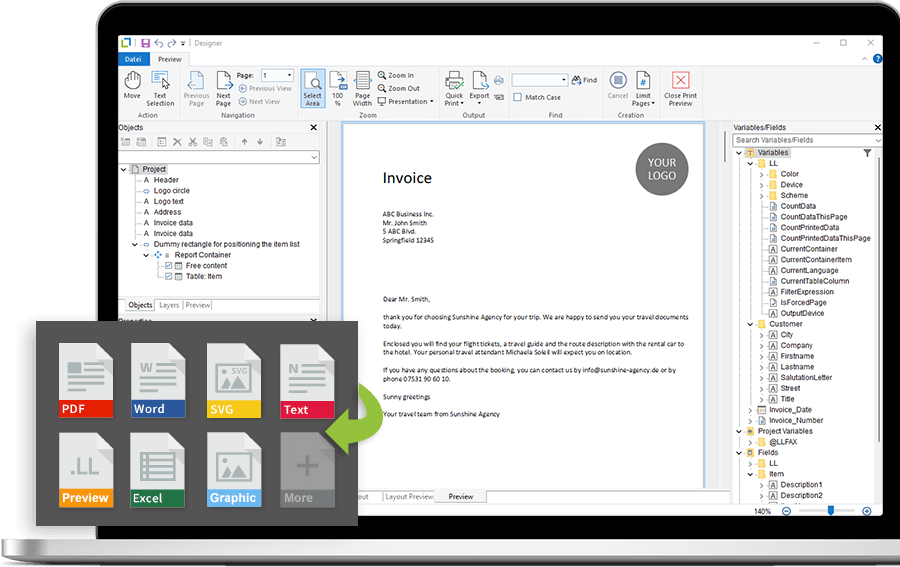
List & Label offers about 30 export formats that can be specifically configured. These include:
- PDF export: Offers customizable document properties, adjustable JPEG quality, comprehensive security settings, table of contents, and ZUGFeRD/XRechnung support.
- Microsoft excel export: Supports exporting table data, merging all pages into one worksheet, endless pages, hyperlinks, worksheet protection, and native Excel formulas.
- Microsoft word export: Supports document options such as title, author, subject, keywords, and allows tables to be exported on continuous pages.
- Graphics formats (including SVG, PNG, JPEG): Often used to create custom dashboards. Optionally, the result can be cropped to fit the report content without distracting borders.
- XHTML/CSS export: Allows all pages to be merged into one XHTML file, creating continuous pages and fixed headers when scrolling.
Automated report output
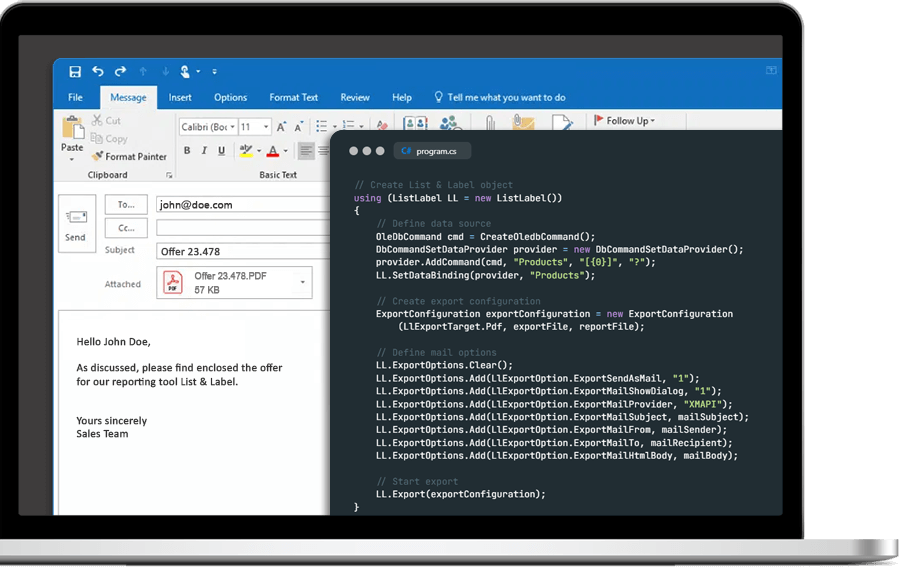
- Email distribution: Reports or documents can be automatically attached to an email. In addition to Microsoft Graph, you can use SMTP, Simple MAPI or XMAPI protocols for email distribution. The variety of supported protocols allows you to tailor your email distribution to the needs of your users and infrastructure.
- Security: When using SMTP for email distribution, List & Label supports connection encryption via SSL/TLS to ensure the security of the transmitted data.
- Support for cloud storage services: List & Label provides the option to transfer exported reports directly to cloud storage services such as Google Drive, Microsoft OneDrive, Dropbox and WebDAV.
- ZIP: Optionally, exports can be compressed directly into a ZIP archive.