

Explore Our Solutions


What is PhotoModeler?
PhotoModeler is a software package for measuring and modeling real world objects and scenes through the use of photographs. Developed by Eos Systems Inc. (PhotoModeler Technologies), PhotoModeler is a world leader in its class. PhotoModeler is based on the science of photogrammetry, which means 'to measure from photographs'. PhotoModeler brings the powerful capabilities of photogrammetry in a simple, easy-to-use Windows environment.
PhotoModeler Standard
PhotoModeler Standard helps you create accurate, high-quality 3D models and measurements from photographs using your own camera.
Learn More
PhotoModeler Premium
PhotoModeler Premium provides the tools for you to create accurate, high quality 3D models and measurements from photographs. The process is called photo-based 3D scanning.
Learn MorePhotoModeler Features
Why Use Photogrammetry and PhotoModeler?
Choose PhotoModeler for your next measurement, diagramming, 3D modeling, or 3D scanning task if you need to:
- Save money and time
- Complete projects that are impossible by other methods
Professionals in many industries trust PhotoModeler as an indispensable tool for doing critical measurement and modeling work. PhotoModeler uses a standard digital camera to capture accurate 3D data using photogrammetry technology, making it a solution anyone can use to achieve professional results.
Why PhotoModeler?
- There is no product like it in the world – a perfect combination of price, features and professional support.
- PhotoModeler Technologies has been in the industry for some time and by listening to customers, they have delivered a product that solves real needs.
- Technical support is exemplary.
Additional benefits of using PhotoModeler in your measurement and modeling tasks include:
- No expensive hardware or equipment
- Efficient – especially saving time in the field
- Standard camera equipment is rugged and easily portable
- Non-contact
- Highly accurate
- Measure small or large objects and scenes
- Capture of moving and vibrating subjects
- Easy integration of other measurement data sources (laser scanners, total stations)
Learn more about how PhotoModeler can help with your application.
How PhotoModeler Works
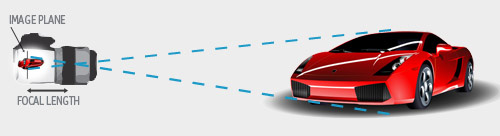
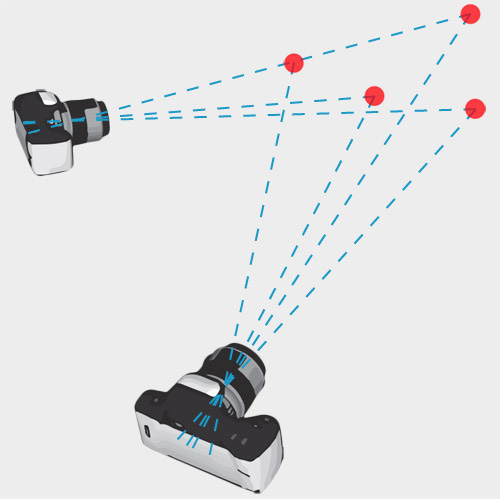
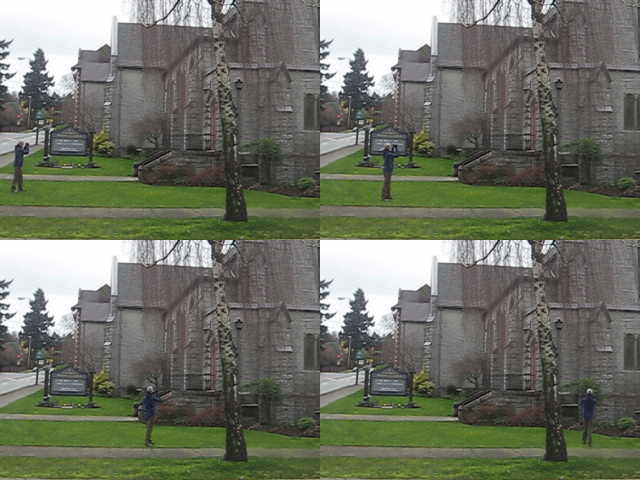
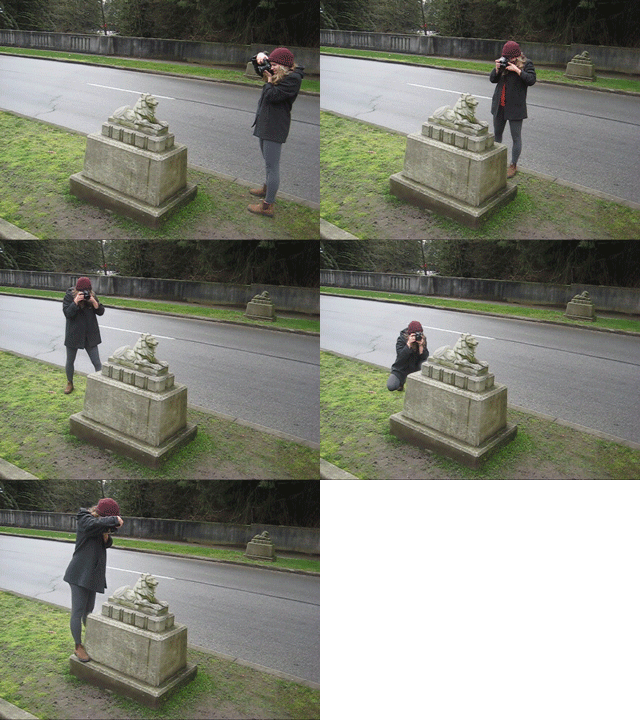
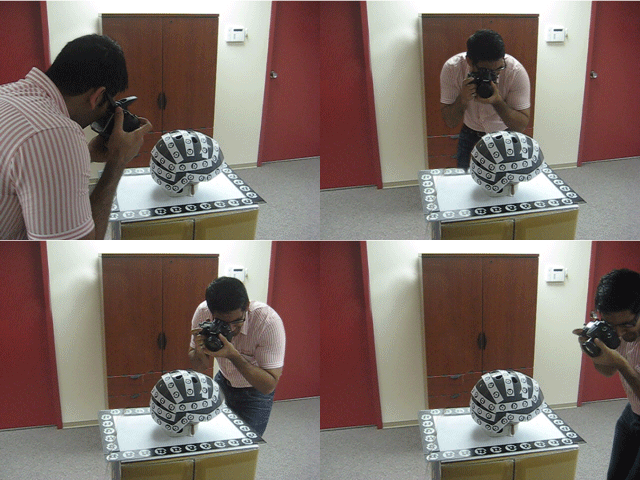
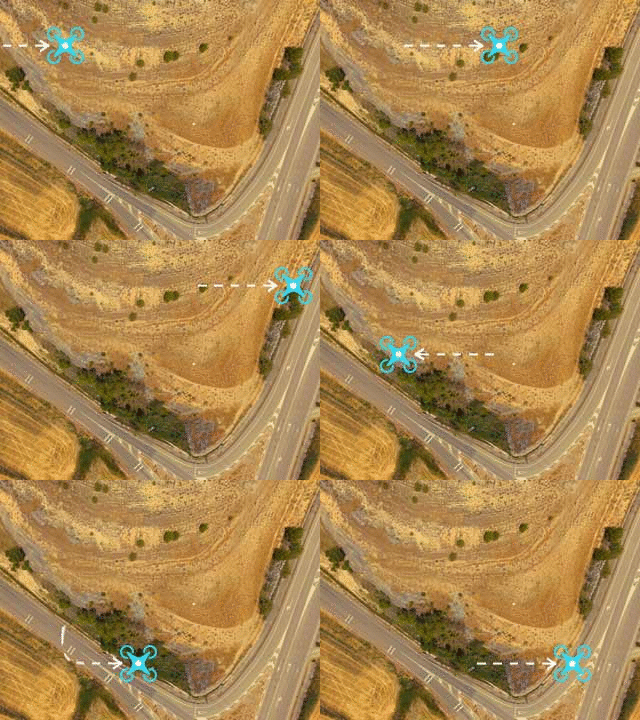
1. Take Photos from different angles
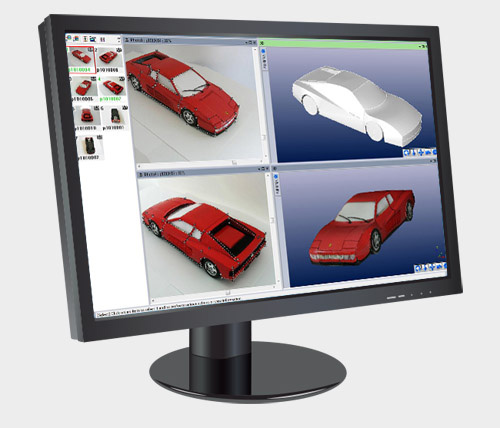
2. Load images into PhotoModeler Software
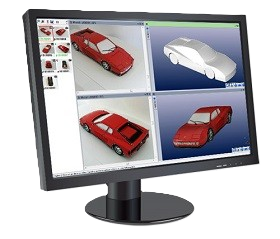
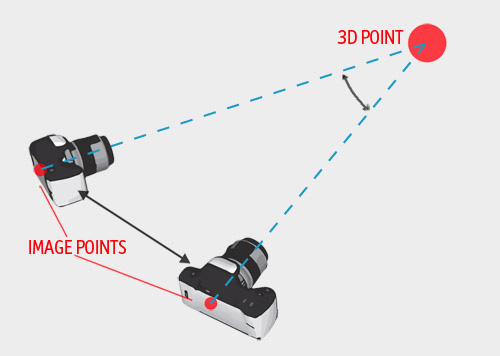
3. Choose the method
Export your accurate 3D model, point cloud, or measurements in industry-standard formats for use in CAD, GIS, or analysis software.
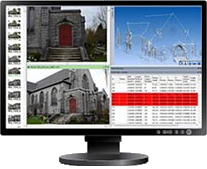
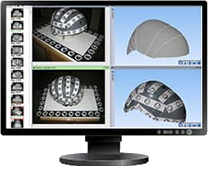
Coded Target Detection
Automatically mark coded targets - Models solve quickly and automatically
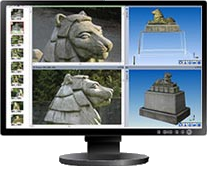
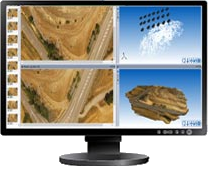
SmartMatch/DSM - Aerial
Generate dense point clouds and surfaces from overlapping aerial photos
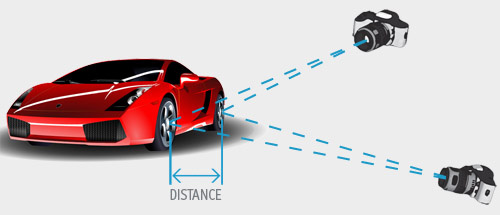
4. Review, Measure, and Export
What is PhotoModeler?
While the process seems relatively simple, accomplishing this with hundreds of photos and thousands of points is very difficult to do efficiently and with high accuracy. PhotoModeler Technologies has been fine tuning the algorithms in PhotoModeler for over 20 years – a claim very few in this industry can make! PhotoModeler Technologies' overriding goals for the development of PhotoModeler are user-centered design, high accuracy and high efficiency.